https://wiki.wit-motion.com/english
WhatsApp:+86 13652339539 E-mail:support@wit-motion.com Web:https://wiki.wit-motion.com/english
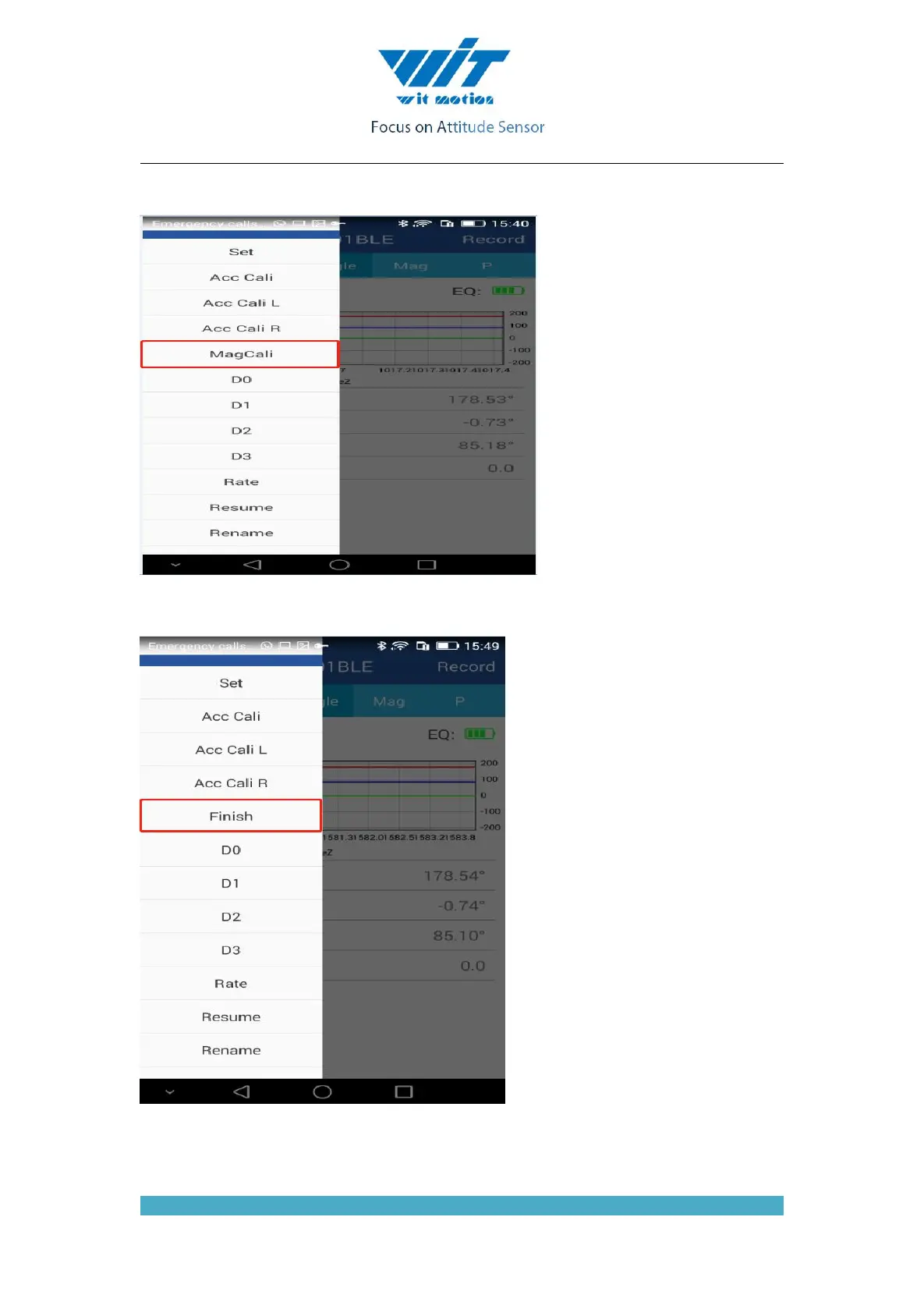
the Y axis. Then turn 360° around the Z axis, then turn a few turns at random, then click the
“Finish” to complete the calibration.
1. Click the “Save” button to save the zero offset data to the internal FLASH of the module.
Thereafter, the module is able to output an accurate heading angle.
Note: The data displayed on the APP will not change when the calibration is completed.



 To Next Page