WT901SD | manual v0707 | http://wiki.wit-motion.com/english
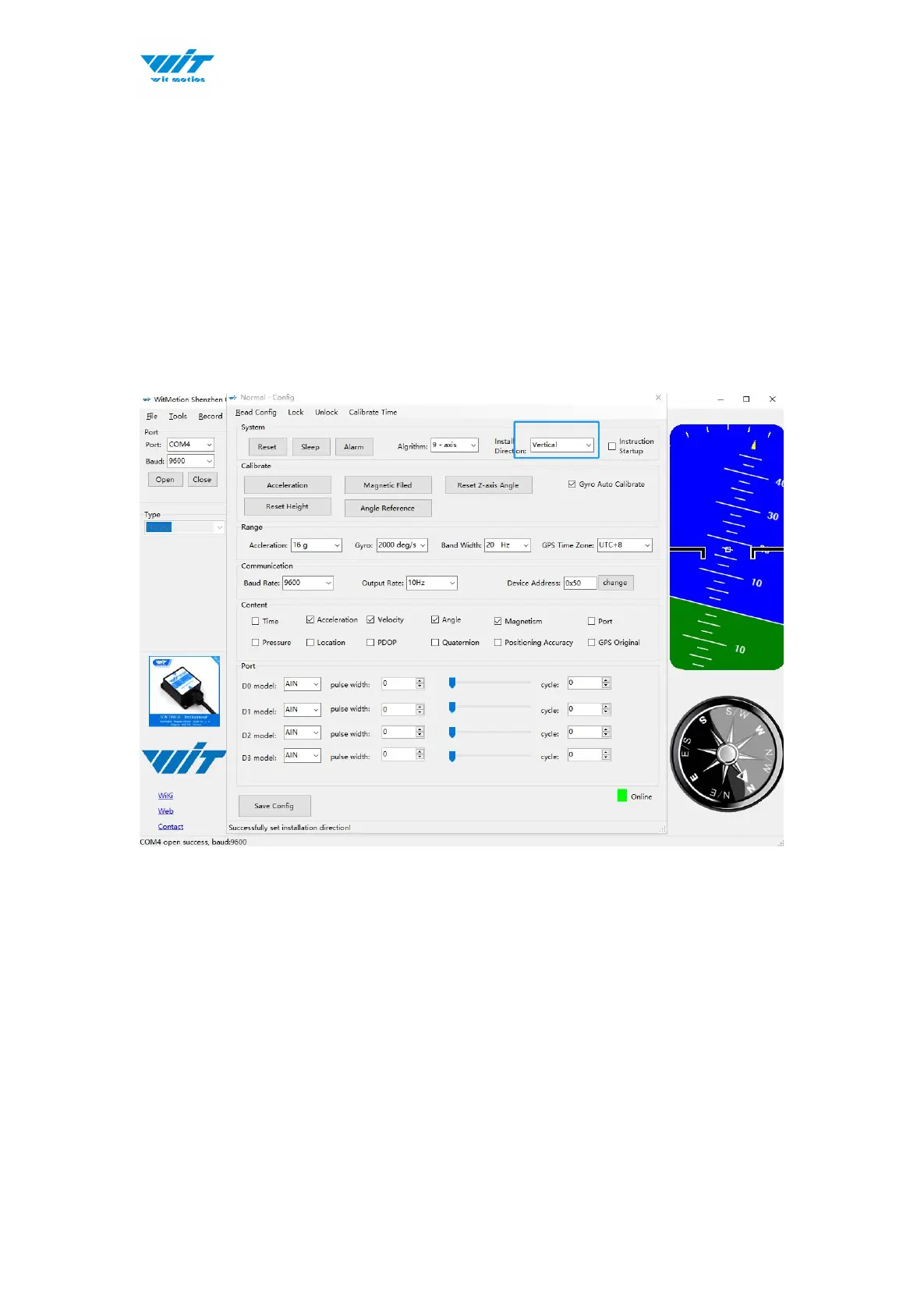
2.4.9 Placement Direction
The default installation direction of the module is horizontal. When the module
needs to be installed vertically, the vertical installation can be set.
Step 1: Rotate the module 90 degrees around the X-axis
Step 2: Place the sensor 90 degrees vertically
Step 3: Click “Vertical” as install directions on “Config” menu



 To Next Page