EN-11
Sleep/Sleep Analyzer
v5.0 | April 2020
16. Select your gender and enter your height and weight. Tap Next.
17. Tap Next.
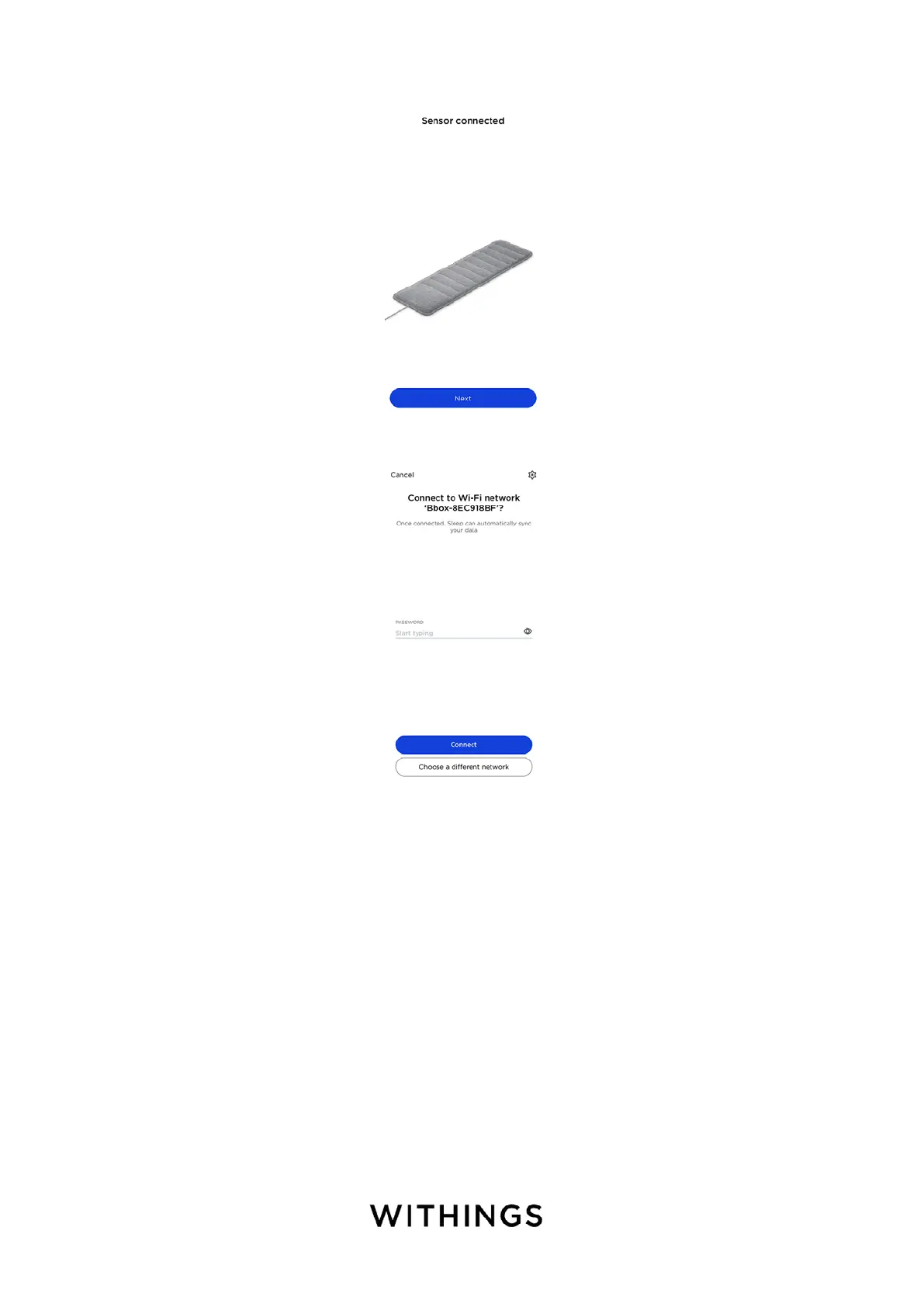
18. Tap the Wi-Fi network you want to use or tap Choose a dierent network.
19. Tap Next.
The calibration of your Sleep/Sleep Analyzer starts. This step can last up to 10
minutes during which a buzzing sound can be heard. We recommend that you
do not sit on the bed during the process. You will receive a notification in the
Timeline of the Health Mate app once the calibration process is over.



 To Next Page