EN-33
Sleep/Sleep Analyzer
v5.0 | April 2020
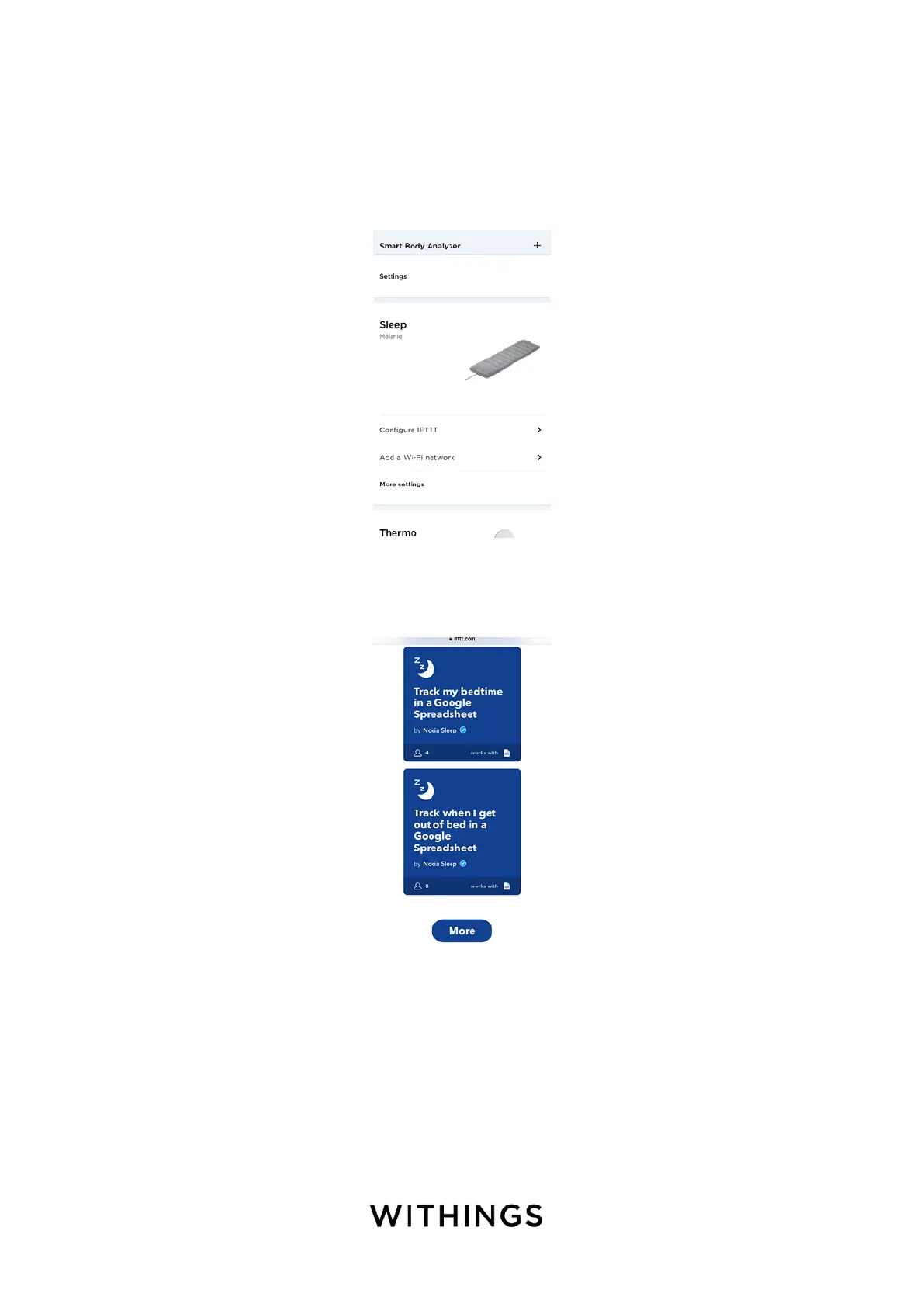
Creating automated scenarios
You have the possibilty to create a lot of automated scenarios. To create one,
perform the following steps:
1. Open the Health Mate app.
2. Tap Devices.
3. Tap Configure IFTTT.
4. Log in to your IFTTT account if necessary.
5. Select a scenario in the list (such as Track my bedtime in a Google
Spreadsheet).



 To Next Page