EN-43
Sleep/Sleep Analyzer
v5.0 | April 2020
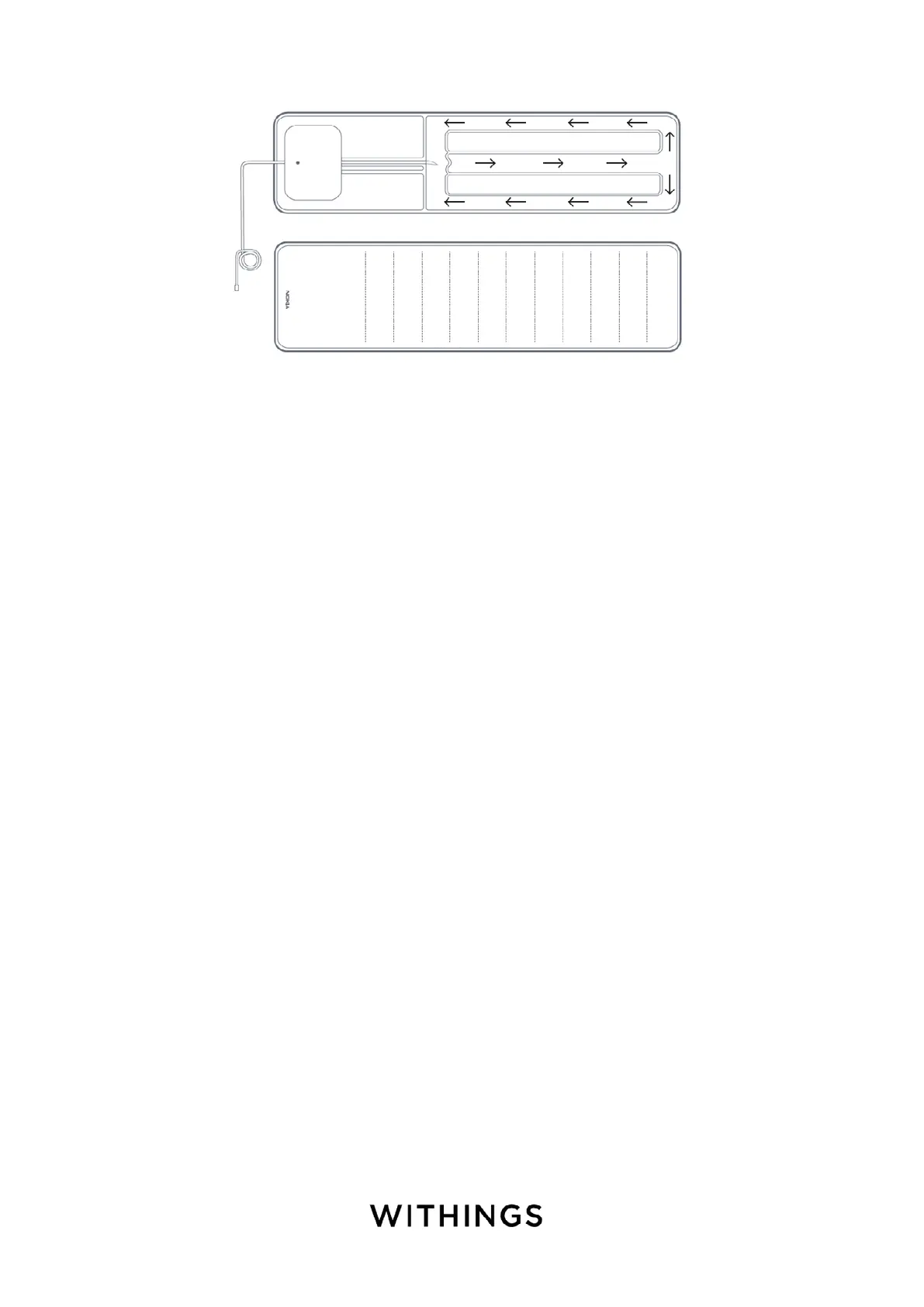
5. Remove the air from the sensor. Please refer to the picture below.
6. Unplug Sleep/Sleep Analyzer.
7. Put the inner part of the device back into the textile cover.
Make sure to flatten the sensor all over its surface in the textile cover.
Updating the firmware of my Sleep/Sleep Analyzer
To update the firmware of your Sleep/Sleep Analyzer, perform the following
steps:
1. Open the Health Mate app.
2. Go to Devices > Sleep/Sleep Analyzer.
3. Tap Check for updates.


 To Next Page