41
User Manual WMF Cooler
Operating the under-machine cooler 9468
3.1.4 Empty message (optional)
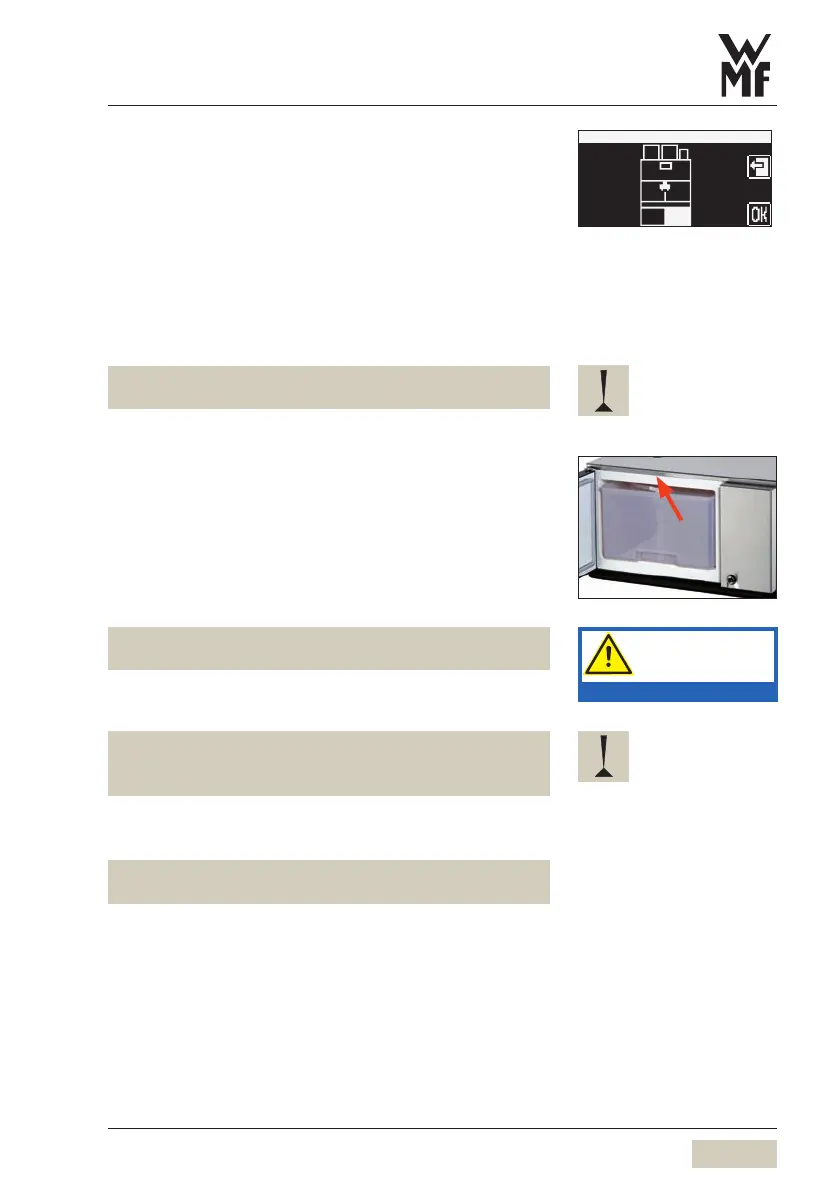
When the low-level is reached, the empty message is
shown on the coffee machine display.
w User Manual for the coffee machine w Software
w Settings w Milk.
Pour milk into the milk container
(w chapter 3.1.3)
Confirm filling the milk container by touching OK on the
display
The low-level warning goes out.
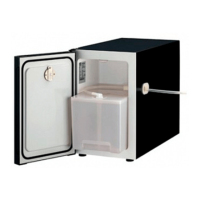
Keep the interior of the cooler dry.
This helps to avoid malfunctions.
3.1.5 Switch off the cooler
Switch off the cooler at the On/Off switch
The switch will no longer be lit up.
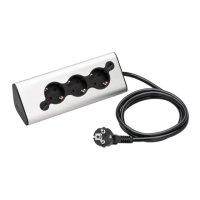
Disconnect mains plug
If this manual is not observed, the warranty is invalidated
in the event of any resultant damage.
Clean the inside of the device before longer periods of
disuse.
Leave the door slightly open.
3.1.6 Cleaning with Plug&Clean (optional)
• Cleaning Program w Cleaning instructions for the
coffee machine.
Insert the milk hose with the Plug&Clean adapter into
the Plug&Clean socket
Turn the adapter in the socket clockwise, until it stops
Close the front door
Follow the manual.
Observe the Safety chapter.


 To Next Page