9
B
Heating mode active
Economy mode active
DHW loading or DHW QuickStart
enabled
Central heating OFF (frost protection)
and DHW loading or DHW QuickStart
OFF
Status (display)
C
i
N
C
N
N
N
i
B
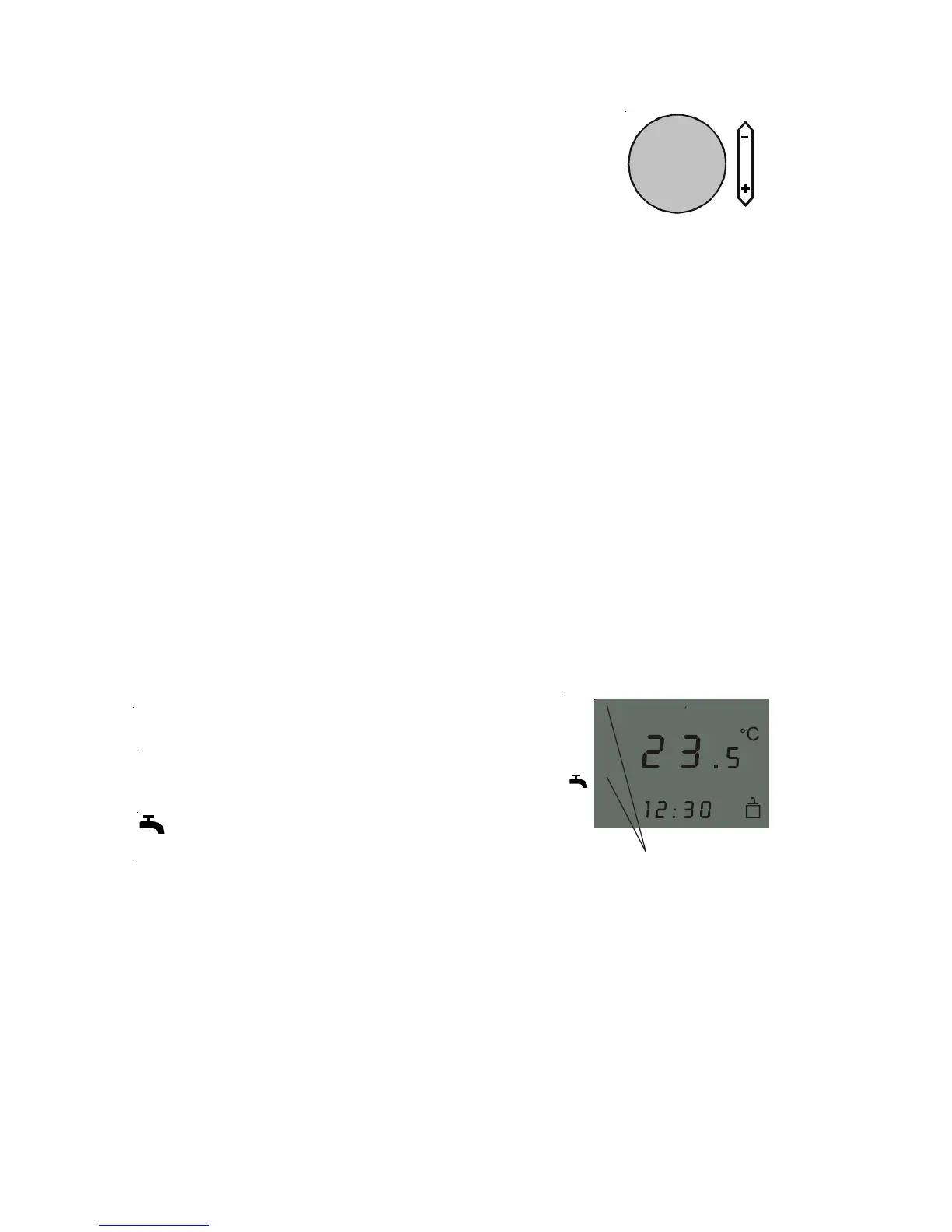
Arrows displaying the current
operating status
Note: The set value only applies to the room
temperature of the room where the AWT is
installed in case of room temperature
dependent heating mode (heating curve = 0)
or for weather-compensated heating mode
with room influence (see room influence). The
set temperature is only an approximate value
for purely weather-compensated control
(heating curve 0.2 – 3.0 and room
influence = 0).
Temperature selection heating mode / status display
Temperature selection –
heating mode
Temperature selection – heating mode
(r.h. rotary selector)
Turning the selector changes the display from
current room temperature to set room
temperature.
Then you can change the desired room
temperature for heating mode. If no change is
made after more than 2 s, the display will again
show the current room temperature.



 To Next Page