15
• Suitable for low temperature: max -20C
• High-contrast 2.2inch IPS colorful matrix screen
• Ergonomic external button design, easy to operate
• Speed display: AVG SPEED, MAX SPEED, SPEED (real-time)
• Kilometer / Mile: Can be set according to customers’ habits
• Smart battery indicator: Provide a reliable battery indicator
• 9-level Assist: 3-level/5-level/9-level optional
• Mileage indicator: Odometer/Trip distance/Riding time
• Power indicator: real time power indicator, digital or analog
• Speed limit value indicator
• Error code indicator
• Software upgraded: Software can be upgraded through UART
Features
Press and hold POWER button for 1 second can turn on/o the display. The
Display can automatically shut down when there is no operate & ride for X
minutes (X could be 0~9).
*If the display has been set password power on, you need to input the right password before
start.
Power On/O
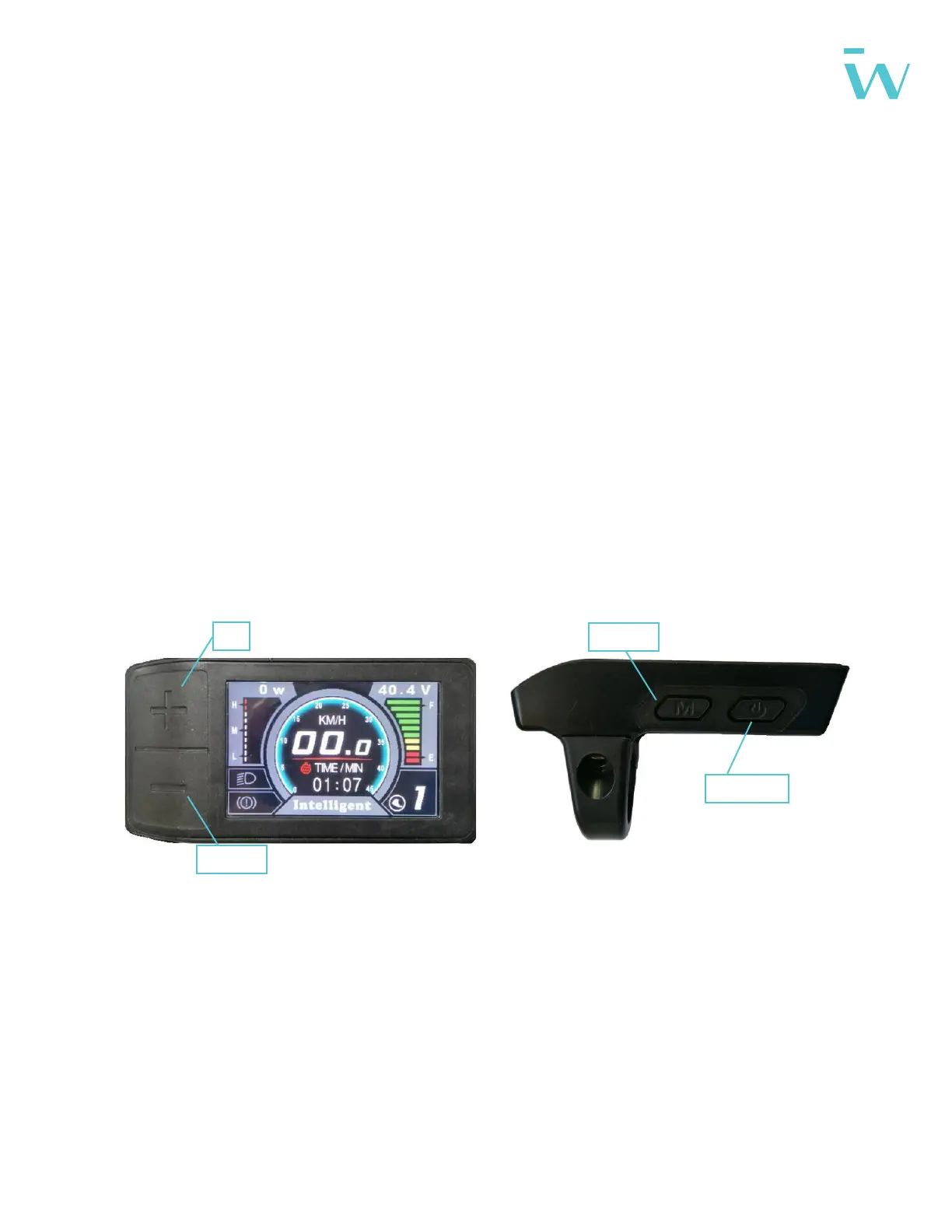
Display: Functional Description
UP
DOWN
MODE
POWER


 To Next Page