18
System: Press UP/DOWN button to switch between Metric / Imperial.
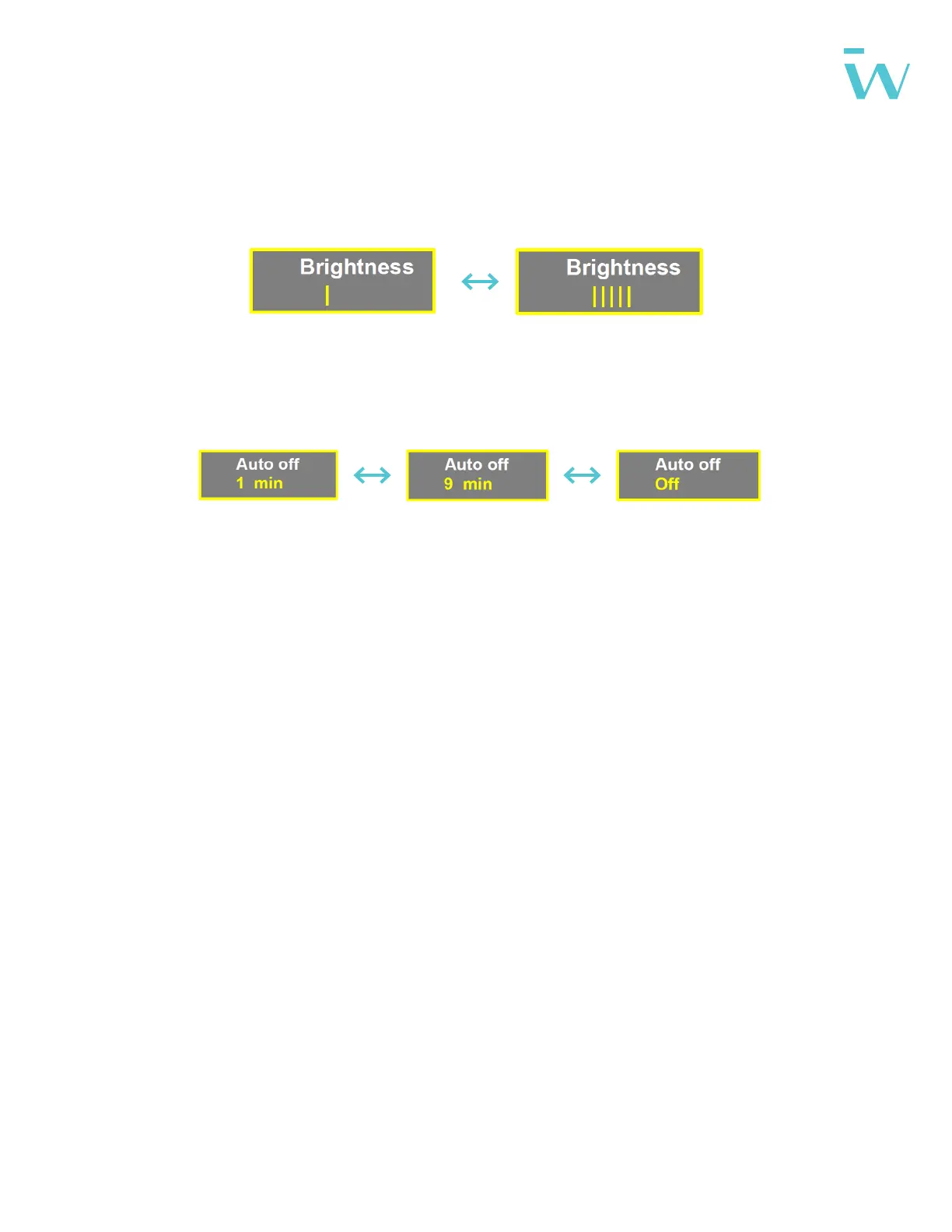
Brightness: Press UP/DOWN button to change the brightness of the backlight. |
is darkness; ||||| is brightness.
Auto o: Press UP/DOWN button to change the auto power o time, from 1 to
9/OFF. The number represent time (minutes) to shutdown. OFF means disable
auto o function, default value is 5 minutes.
Battery: Press UP/DOWN will change battery voltage setting, optional value is
24V/36V/48V.
Battery Ind: Press UP/DOWN button to change the battery indicator, Voltage /
Percentage / OFF.
*Accurate percentage needs communication with battery.



 To Next Page