EasyManua.ls Logo

Woodward ProAct P Series FL - User Manual

Woodward ProAct P Series FL
110 pages
Print Icon
To Next Page IconTo Next Page
Loading...
Product Manual 26659
(Revision C, 6/2016)
Original Instructions
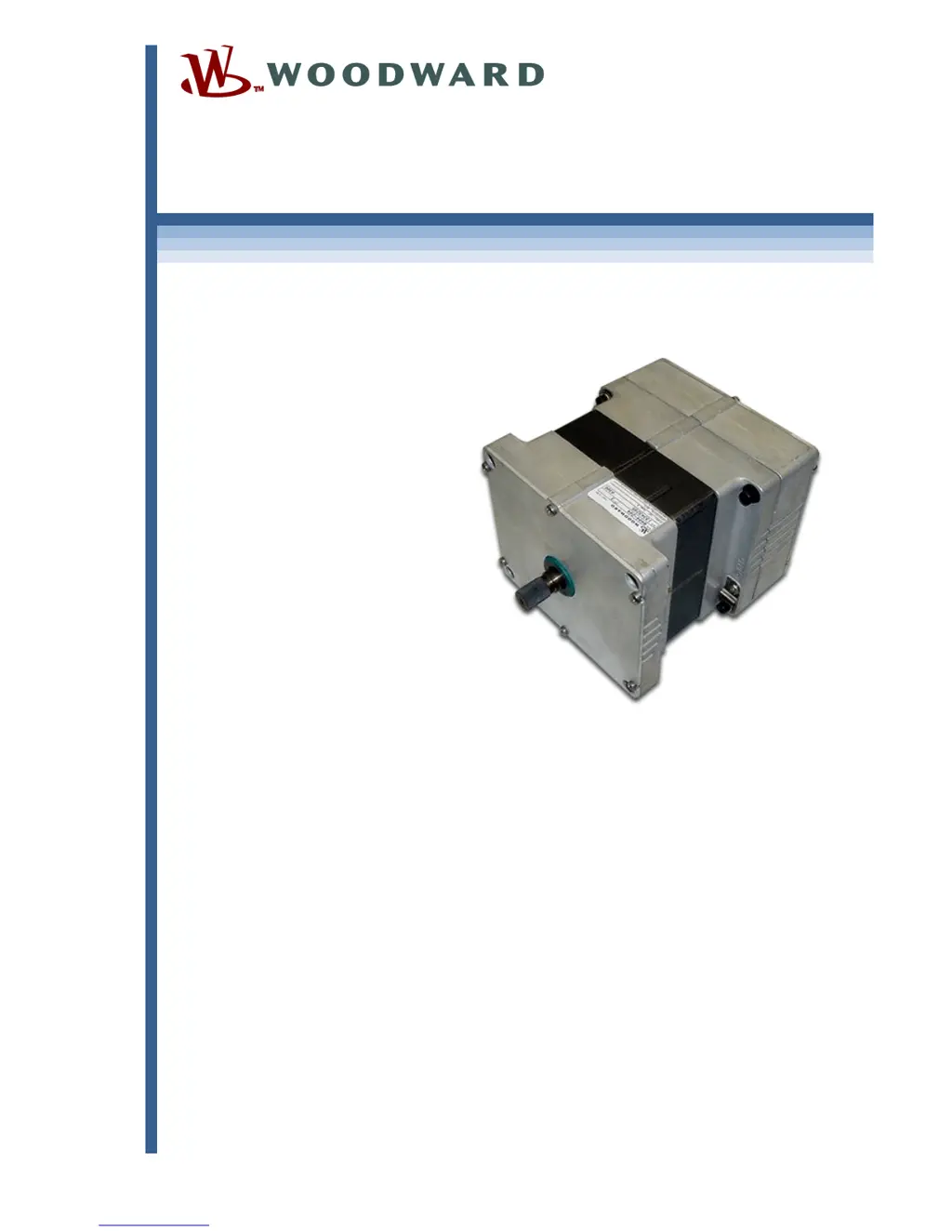
ProActâ„¢ P-Series FL
Position Controller
Actuator Models II through IV
Installation, Programming, and Troubleshooting Manual

Table of Contents

Questions and Answers

  • J
    Jennifer SmithAug 10, 2025
    What to do if Woodward ProAct P FL actuator is not communicating with the Service Tool?
    • J
      johnsonkyleAug 10, 2025
      If the Woodward Controller actuator isn't communicating with the Service Tool, several factors could be at play. First, ensure the actuator is receiving power by checking the fuse, wiring, and battery voltage. Next, verify the wiring between the actuator and the laptop matches the wiring diagram. Use the connect menu to connect the Service Tool. If already connected, disconnect and reconnect, ensuring you select the correct communication port. Finally, an outdated or corrupted Service Tool installation could be the culprit; reinstall the Service Tool, obtaining the latest version from the Woodward website.
  • B
    burnsryanNov 23, 2025
    Why is my Woodward Controller not controlling at the desired position setpoint?
    • T
      Tim WrightNov 24, 2025
      If your Woodward Controller isn't controlling at the desired position setpoint, it could be due to several reasons. One potential cause is PWM input signal inaccuracy. Measure the input duty cycle, convert it to a percentage, and verify the actuator signal using the Service Tool. If there's a difference, adjust the PWM Offset value in the Configuration Editor. Another possibility is a scaling mismatch. Verify the position setpoint value using the Service Tool and confirm the configured scaling of the demand inputs. Also, check if the controller is running on backup demand by verifying the demand source using the Service Tool. Finally, incorrect dynamics or position calibration could be the issue. Follow the procedures in Chapter 6 for verifying both the dynamics (inertia and friction setti...

Woodward ProAct P Series FL Specifications

General IconGeneral
BrandWoodward
ModelProAct P Series FL
CategoryController
LanguageEnglish

Related product manuals