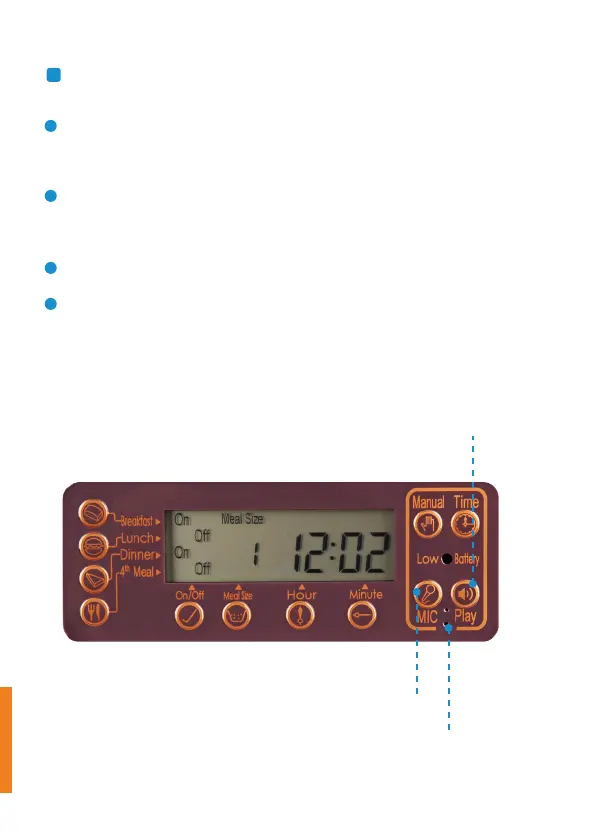
To record your voice, press and hold the “MIC” button for 3
seconds until the LCD screen flashes.
Speak right to the “microphone location” within 15 seconds to
record, and release “MIC” button to stop.
To check your voice, press and hold the “Play” the button for 3
seconds.
Delete the recorded voice: long-press the “MIC” button until the
screen is flashing.
e.
Voice recording
Voice Recording Button
Microphone Location
Voice Playing Button
8



 To Next Page