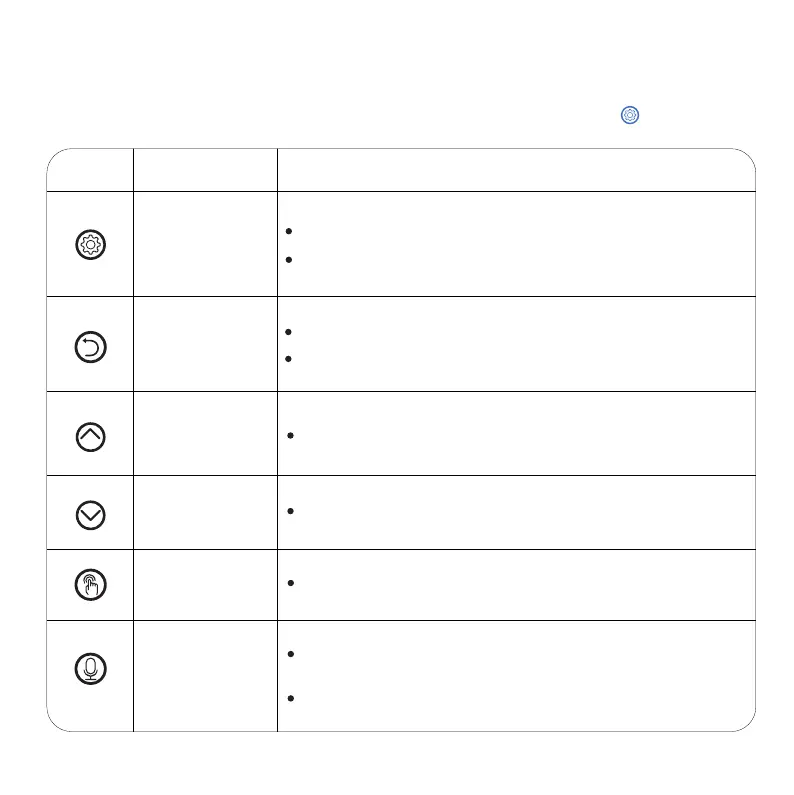
BUTTONS OVERVIEW:
NOTE:
Child lock mode automatically after 2 mins without operation.Hold for 2s to unlock
Button Description
Set /Save
Unlock button
Return /
Cancel button
Number
Increase button
Number
Decrease button
Manual button
Recording button
Press to save and move to the next
Operable Mode Function
Press and hold for 2s to lock/unlock other buttons and screen
Return to the previous step
Return to interface after seting up
Press to increase the value
Press to decrease the value
[Unlocking Status] Press to feed 1 portion
[Unlocking Status] Hold for 3s and start recording after
a beep is heard {max 10s}
Recoding saved after a double beep is heard
2



 To Next Page