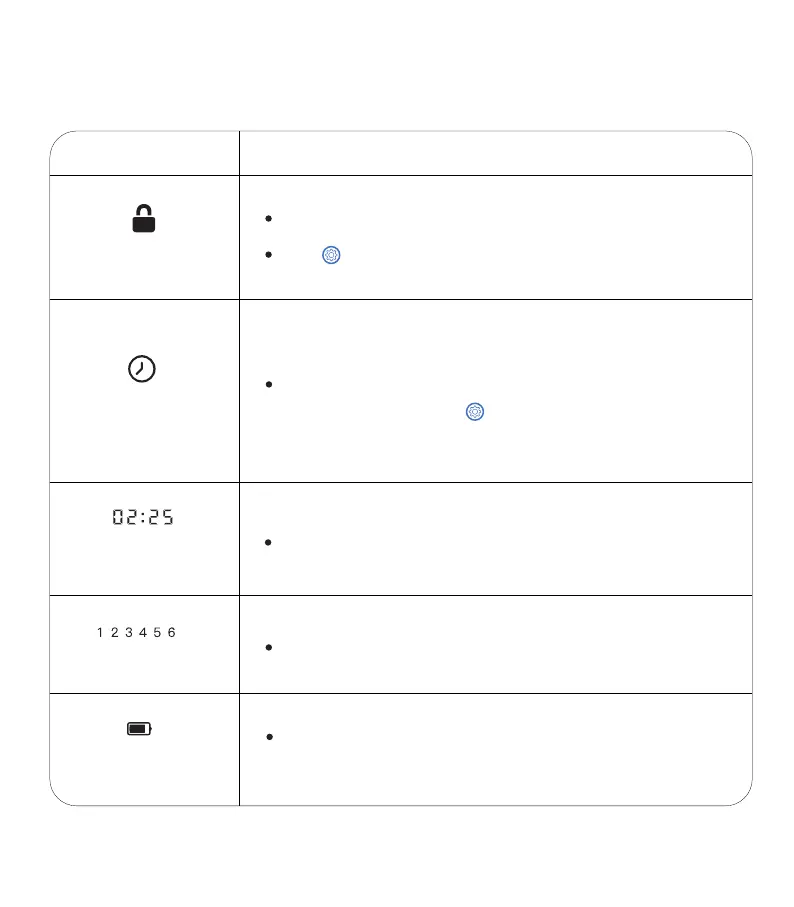
SCREEN PANEL INTRODUCTION:
3
ICON
Function of ICON
Lock
Hold button for 2 seconds to unlock.
Locks automatically after 2 min of inactivity.
Clock indicator
Battery Level
Meal
Note: when flashing, press button to set up/ modify the
current time.
Flash Indicates:
Powered by adapter or battery.
Local time.
Timing
【24-hours format】
Number of meals.
Lights up when running on battery power.
Turns red to indicate low battery.



 To Next Page