INSTALLATION &
COMMISSIONING
4
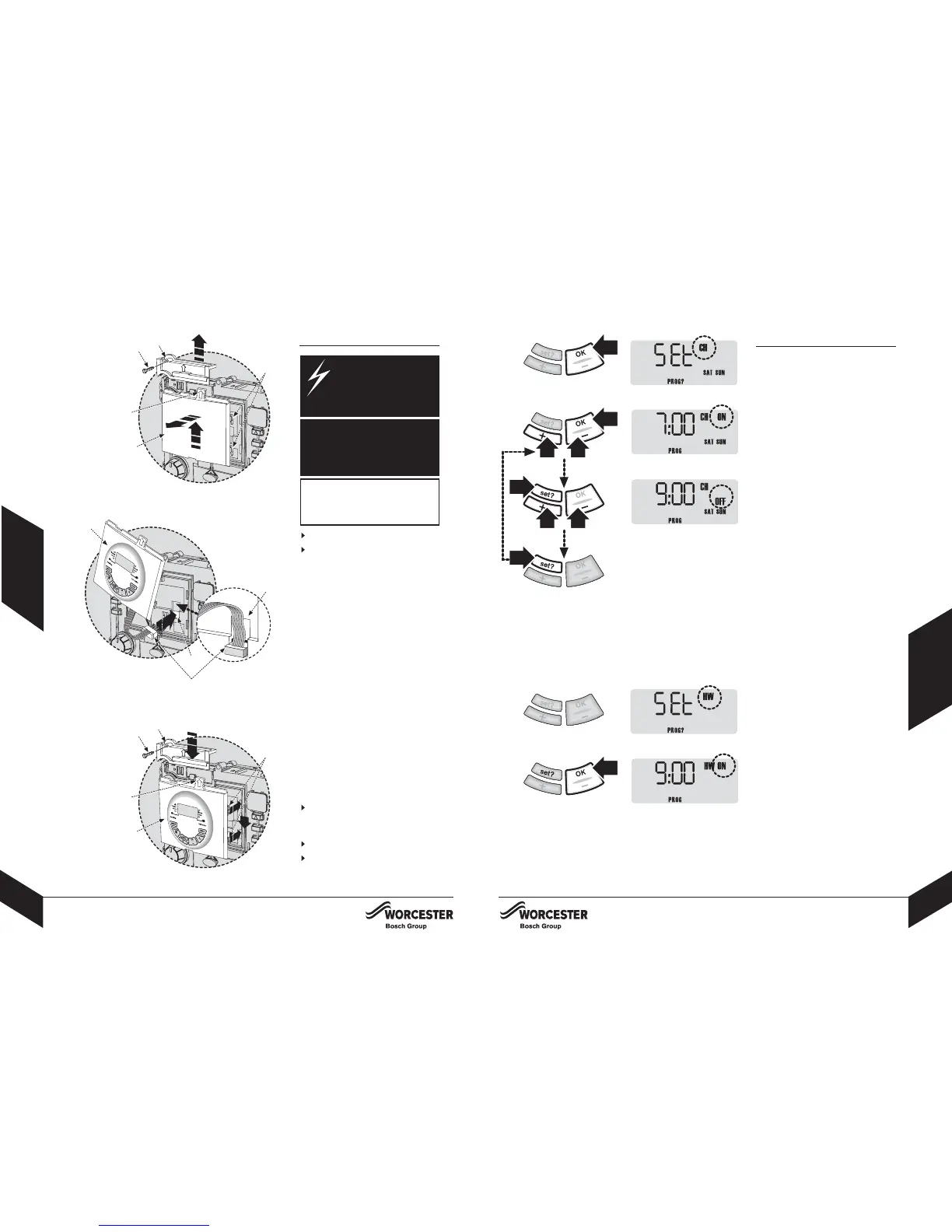
FITTING THE DT20
FITTING & OPERATING INSTRUCTIONS FOR WORCESTER BOSCH
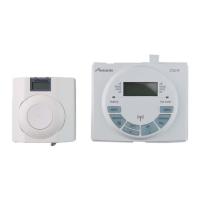
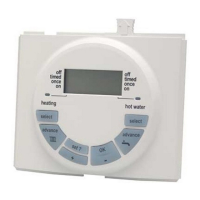
TWIN CHANNEL DT20 PROGRAMMER
8-716-106-647 issue b (11.04) UK
USER
INSTRUCTIONS
9
SETTING PROGRAMS
FITTING & OPERATING INSTRUCTIONS FOR WORCESTER BOSCH
TWIN CHANNEL DT20 PROGRAMMER
8-716-106-647 issue b (11.04) UK
DANGER - 24V &
230V: DO NOT TOUCH
THE ELECTRICAL
COMPONENTS OR
CIRCUITS.
FITTING THE DT20
CAUTION: ISOLATE THE MAINS
ELECTRICITY SUPPLY BEFORE
STARTING ANY WORK AND
OBSERVE ALL RELEVANT
SAFETY PRECAUTIONS.
Important: Switch off boiler
Remove boiler outer casing and
control panel fascia to gain access
to the heatronic control panel
1 Release securing screw (A)
2 Pull cover panel (B) upwards to
remove
3 Grip tab (C), pull upwards to
disengage clips (D) and pull
forwards to remove blanking plate
(E) or existing programmer
4 Align connector pins (F) into
receptors (G) in the pcb and push
fully home
5 Feed the ribbon cable (G) into
recess (H)
6 Align programmer (E) and locate
clips (D), push into slots then
downwards to secure using grip
tab (C)
7 Locate cover panel (B) and secure
with screw (A)
Replace fascia cover and outer
casing before switching on the
electricity supply and boiler
Switch boiler on when completed.
Refer to USERS INSTRUCTIONS
section for details of pre-set and
setting programs.
OBSERVE ELECTRONIC STATIC
DISCHARGE PRECAUTIONS.
DO NOT TOUCH THE PCB
CIRCUITS
SETTING PROGRAMS
1
A
B
D
E
C
2
3
F
E
4
A
B
D
7
H
G
Setting CH SAT - SUN:
1 Press 'OK' to select weekend
2 Press 'OK' to select CH
Note: speed up the display by holding
down the + or - buttons.
3 Press + or - to change the ON
time
4 Press set? to set the ON time and
select the OFF time
5 Press + or - to change the OFF
time
6 Press set? to set the OFF time and
select the next ON time
Repeat operations 3 to 6 to set the
2nd and 3rd CH ON/OFF times.
Note: after pressing set? for the 3rd
CH OFF time the display shows SET
HW for that weekday
Setting HW SAT - SUN:
7 Press OK to select the first ON time
Repeat operations 3 to 6 to set the
1st, 2nd and 3rd HW ON/OFF times.
Note: after pressing set? for the 3rd
HW OFF time the display shows SET
SAT, see next page.
If you do not require individual
weekend times, then press SET? until
the normal display is resumed.
3rd CH OFF
6
E
C
5
1
2
6
55
33
4
7


 To Next Page