OPERATING
THE APPLIANCE
WORCESTER BOSCH GREENSTAR 27CDi/30CDi/37CDi/42CDi
6 720 614 059b (2007/07)
14
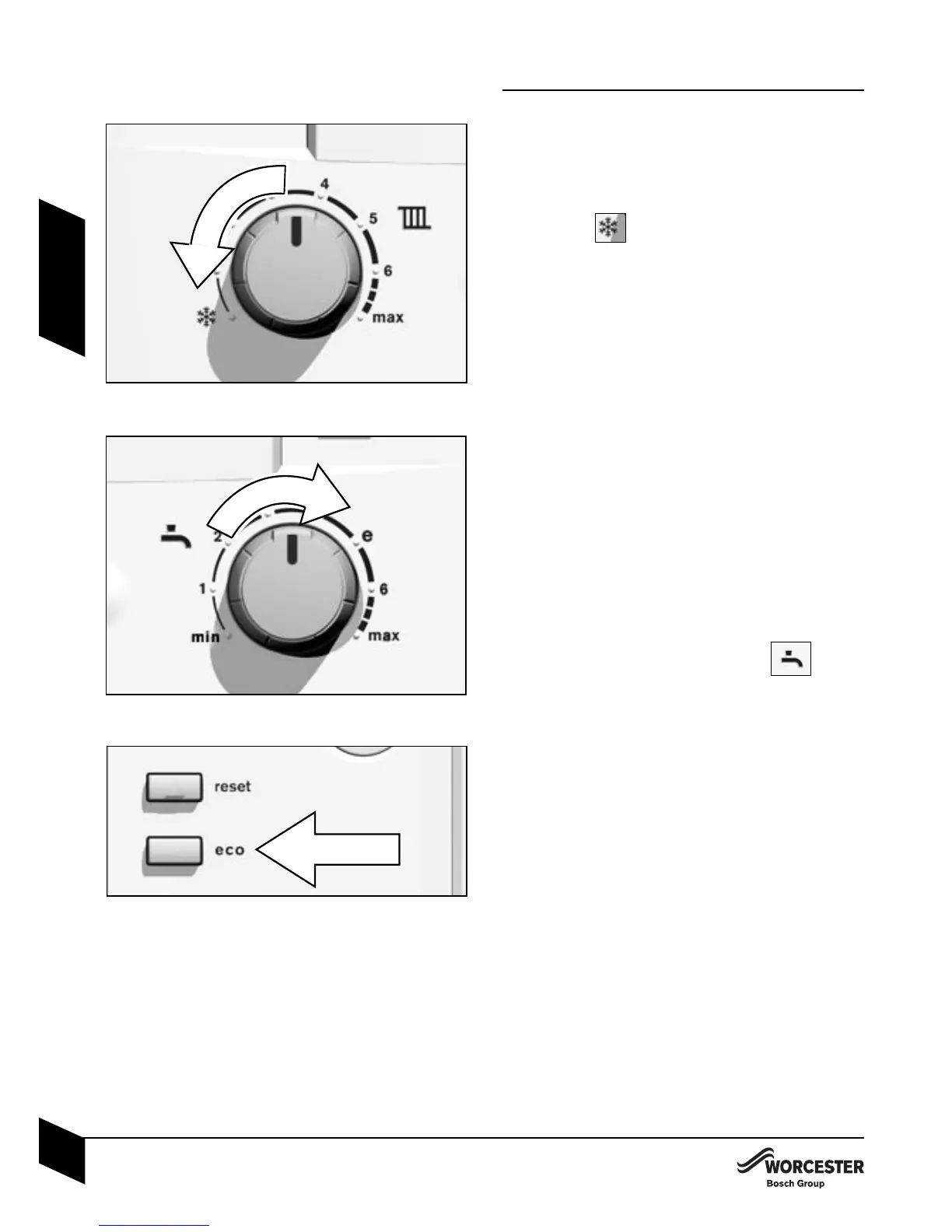
FROST PROTECTION
B Leave master switch on.
B Turn the central heating temperature
control to .
If the temperature falls to 5 °C within the
boiler it will fire to avoid the possibility of
freezing.
B Add a suitable anti-freeze fluid to the
water in the central heating system.
B If remote pipework is likely to be sub-
jected to freezing conditions, ensure the
installer has fitted a frost thermostat in
the area to protect the pipework.
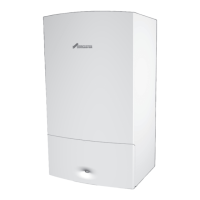
CONTROLLING THE HOT WATER
TEMPERATURE
B The hot water temperature can be set
to between approx. 40 °C and 60 °C
using the temperature control .
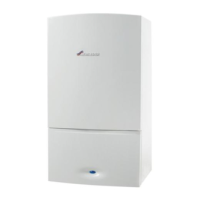
DOMESTIC HOT WATER PRE-HEAT
Pre-heat reduces the time taken to pro-
duce hot water at the tap and is control-
led by the ECO button.
Activating pre-heat mode:
B Press the ECO button until it goes off.
When the ECO button
is not illumina-
ted
the boiler will be in pre-heat mode
(which will reduce the time taken to pro-
duce hot water at the tap).
Re-establishing ECO mode:
B Press the holiday button until it lights up.
When the ECO button
is illuminated
the boiler will be in ECO mode with no
pre-heat available.
OPERATING THE APPLIANCE
USING YOUR
APPLIANCE



 To Next Page