AFTER SALES SUPPORT
USA
USA
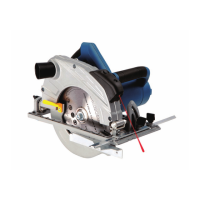
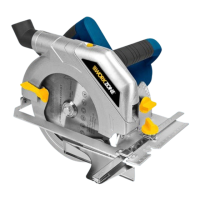
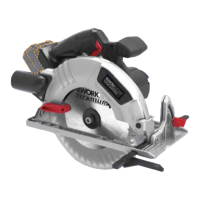
13Amp 7-1/4in. Circular Saw
1800 505 8311 acs@americancustomerservice.com
Operation& Electrical Safety
6
• Loosen lever
• Lift the body of the saw until the blade is at the right depth - as shown
on depth adjustment scale
• Tighten lever
NOTE
Ensure that the parallel fence rests against the wood along its entire length
to give a consistent parallel cut.
USING THE PARALLEL FENCE
The parallel fence (8) allows you to make parallel cuts in a sheet of wood, all
at the same width.
Loosen wing screw. Slide the parallel fence (8) through the slots in the base
plate (5). Adjust the parallel fence to the required width and secure it in
position with wing screw.
Do not stare directly at the laser beam.
Never aim the beam at any person or an object other than the workpiece.
Do not deliberately aim the beam at personnel and ensure that it is not
directed towards the eye of a person for longer than 0.25s.
Always ensure the laser beam is aimed at a sturdy workpiece without
reective surfaces. I.e. wood or rough coated surfaces ard acceptable.
Bright shiny reective sheet steel or the like is not suitable for laser use as
the reective surface could direct the beam back at the operator.
Only turn laser beam on when tool is on workpicec.
USING THE LASER GUIDE
Press the laser on button according to your requirements,or you can switch
off the button when it is not neccessary.
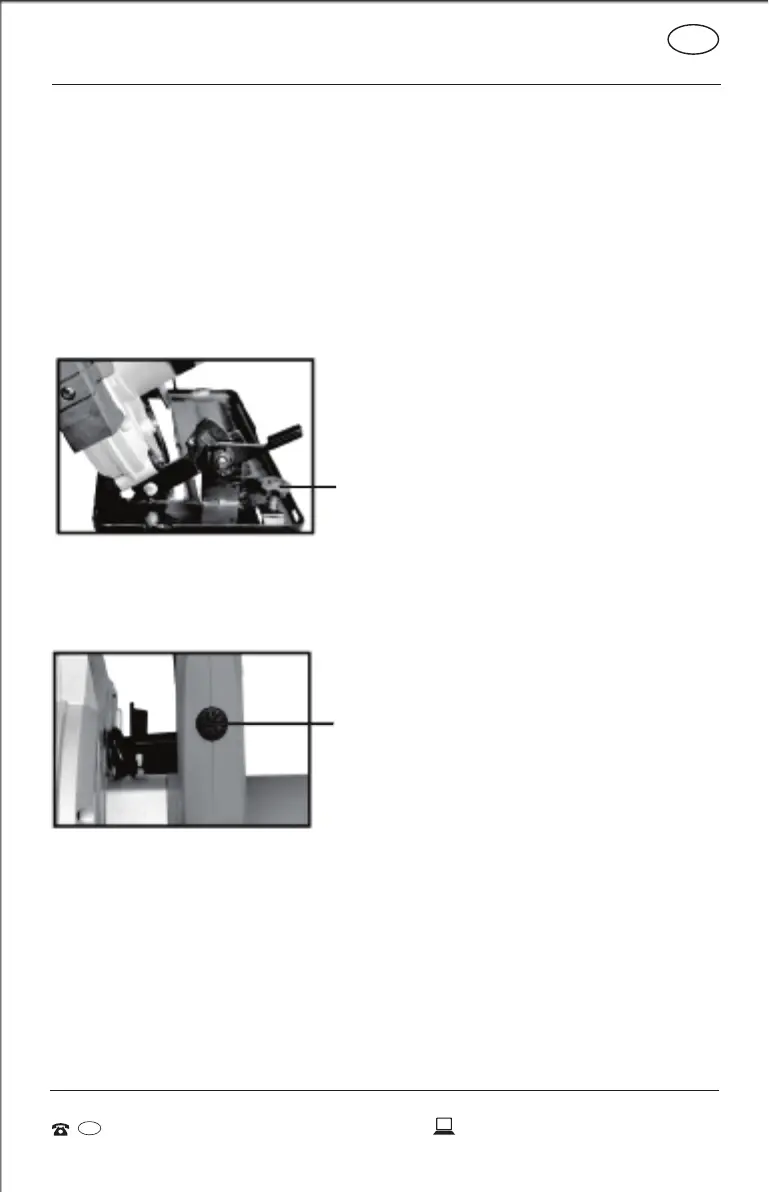
Wing screw
Laser on/off button



 To Next Page