AFTER SALES SUPPORT
e-mail: info.aldi@positecgroup.com
1300 889 028 (toll free)
MODEL No.: CS20V • 63350 • 01/2019
AFTER SALES SUPPORT
1300 889 028 (toll free)
e-mail: info.aldi@positecgroup.com
MODEL No.: CS207 • 63350 • 01/2019
18 19
NOTE: This unit may not be used by people (including children) with
reduced physical, sensory or mental capacities, with a lack of experience and
without the appropriate knowledge, unless they are supervised by someone
who is responsible for their safety or have been instructed by such a person
with regard to how the unit is to be operated. Children should be supervised
to ensure that they do not play with the device.
8. Important information – Product care
Customer Service of the manufacturer as listed on the battery / charger
packaging, manual or on the label on the battery / charger.
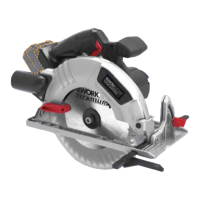
This Circular Saw uses Lithium Ion Battery Cells. Care MUST be taken to
ensure both the safety and life of the pack is maintained. Ensure you have
read all of the safety notes in the previous pages before using the
Circular Saw .
Treat the battery pack with care and within the guidelines of this manual
Battery/s.
subject to a severe drop or it does not operate within the guidelines of this
Batteries, immediately STOP using the battery pack and have it checked.
9. Assembly
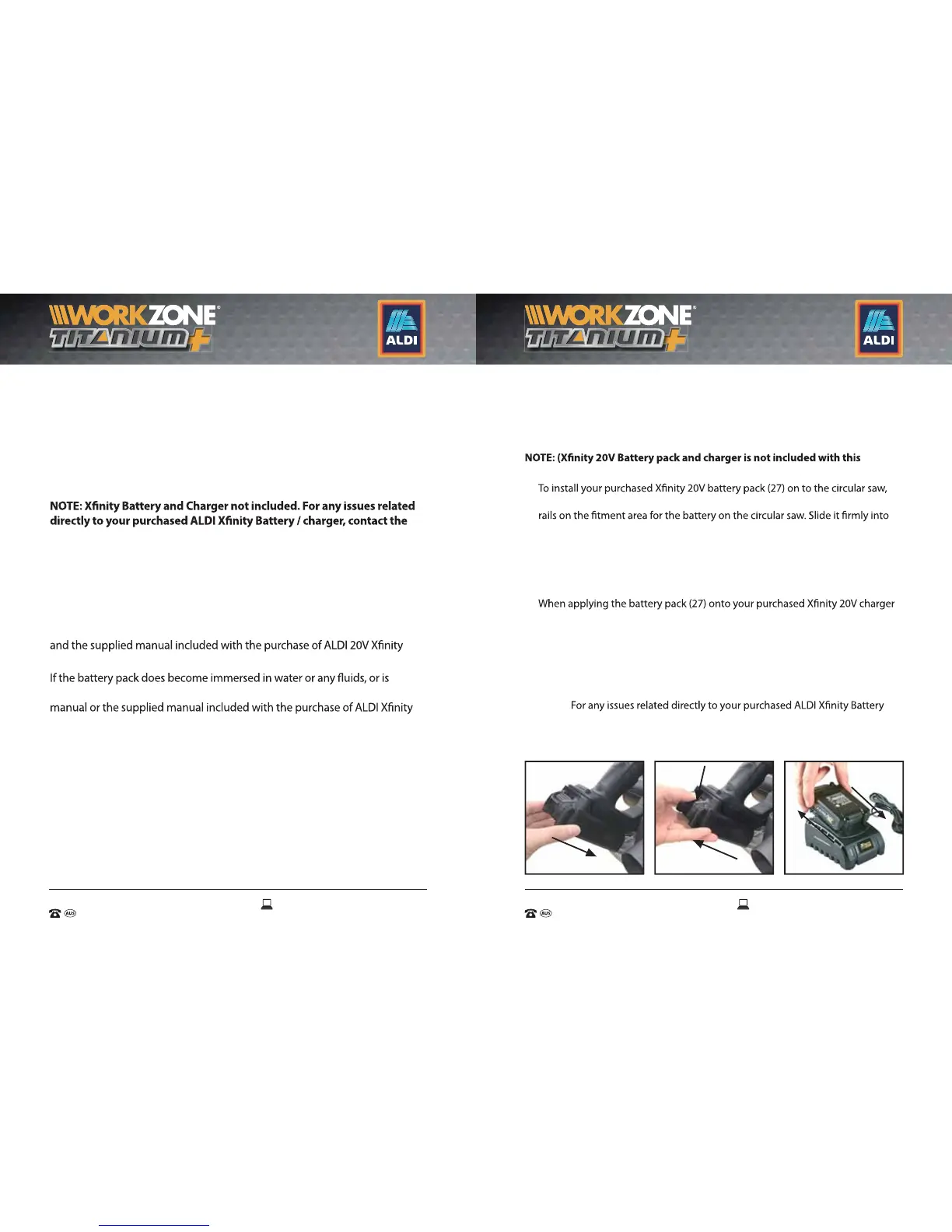
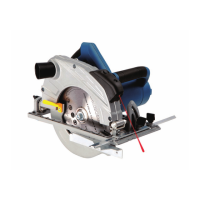
This circular saw comes fully assembled and only requires attachment of the
battery pack (27)* before use. (*Battery not included).
Fitting and removing the Battery Pack from the Circular saw and Charger.
product; it is shown only for illustrative and instructional purposes only)
1.
align the grooved guide rails of the battery pack (27) with the raised guide
position until the battery is secure. When it is secured you will hear it engage
with a snap / click (Fig A).
2. To remove the battery pack (27) press the battery pack release button (28) and
slide the battery pack (27) completely out and away from the circular saw
(Fig B).
3.
(29), align the grooved guide rails of the battery pack (27) with the raised guide
rails on the charger (29). When the battery is secured you will hear it engage
with a snap / click.
4. To remove the battery pack (27) from the charger (30), press the battery release
button (29) on the battery pack (27) and slide away from the charger (29) in the
reverse direction it was installed (Fig C).
NOTE:
/ charger, contact the Customer Service of the manufacturer as listed on the
battery / charger packaging, manual or on the label on the battery / charger.
A. B. C.
INSTALL
REMOVE


 To Next Page