HANGZHOU WORLDE DIGITAL PIANO CO.,LTD HANGZHOU WORLDE MUSIC ELECTRONIC CO., LTD
WEBSITE: WWW.WORLDE.COM.CN EMAIL:SALES@WORLDE.COM.CN TEL:86 571 88730848
- 13 -
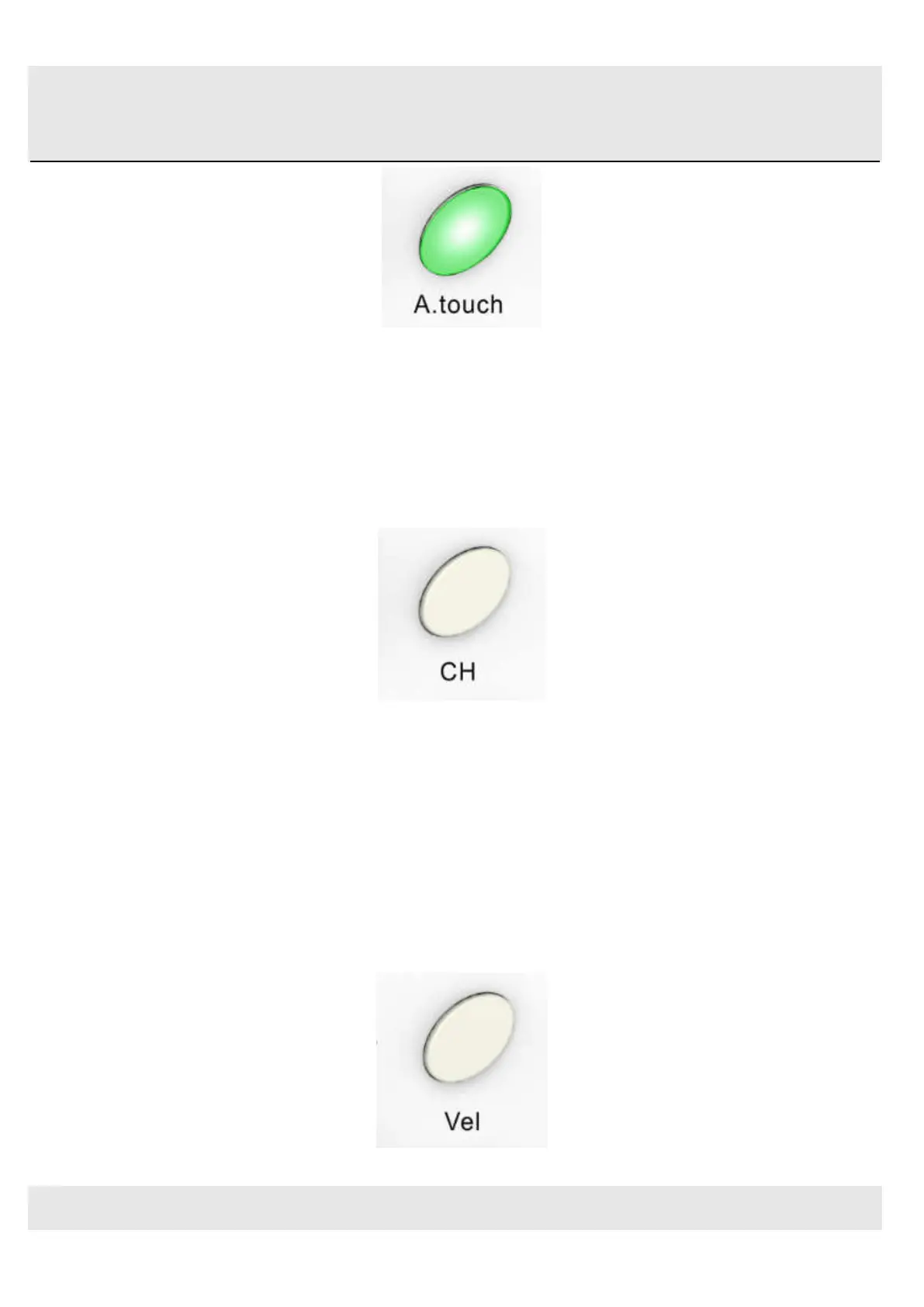
After touch button
3.1.7 Channel button
Channel selection function button, selecting current MIDI channel. Click the channel button to start the channel
function, use+/-button to select the channel. The initial setting is 1, adjusting scale is 1~16.
Channel button
3.1.8 Velocity button
Every time you press a key, a MIDI note message is sent with a velocity value between 0 and the maximum; this value
specifies how hard you pressed the key. Since different people have different playing styles, your Orca PAD64 offers a
number of different velocity curves. You should experiment with the different velocity curves to find the curve that best suits
your playing style.
Click the velocity button to start the velocity selection function, the medium(or normal) velocity is on when the LED color of
velocity button is green, heavy velocity is on when it’s in red color, and blue for constant velocity.
Velocity button



 To Next Page