HANGZHOU WORLDE DIGITAL PIANO CO.,LTD HANGZHOU WORLDE MUSIC ELECTRONIC CO., LTD
WEBSITE: WWW.WORLDE.COM.CN EMAIL:SALES@WORLDE.COM.CN TEL:86 571 88730848
- 18 -
● Assign pads to send MIDI Machine Control commands (MMC)
● Use the pads to transmit MIDI notes
●Switch between two values of any MIDI CC# by playing a pad
●Assign a button to control any MIDI CC# and define its operational range
●Save the entire set of altered controls to one of Orca PAD64’s eight preset locations
●Define another seven sets of parameter assignments and save each one to a different memory location
●Recall any of the eight personalized presets easily and immediately
5.1.2 Assign a Pad to Start/Stop MMC
One feature that often comes in handy with a controller keyboard is the ability to start and stop a song without having to
use the computer keyboard or mouse. It’s really easy to set up the Orca PAD64 pads to do that.
For example we’ll use Pad 7 to send Stop commands and Pad 8 to send Start commands. This is accomplished through
the use of MIDI Machine Control commands, which you’ve probably seen abbreviated as “MMC”.
5.1.2.1 Select the Pad Mode
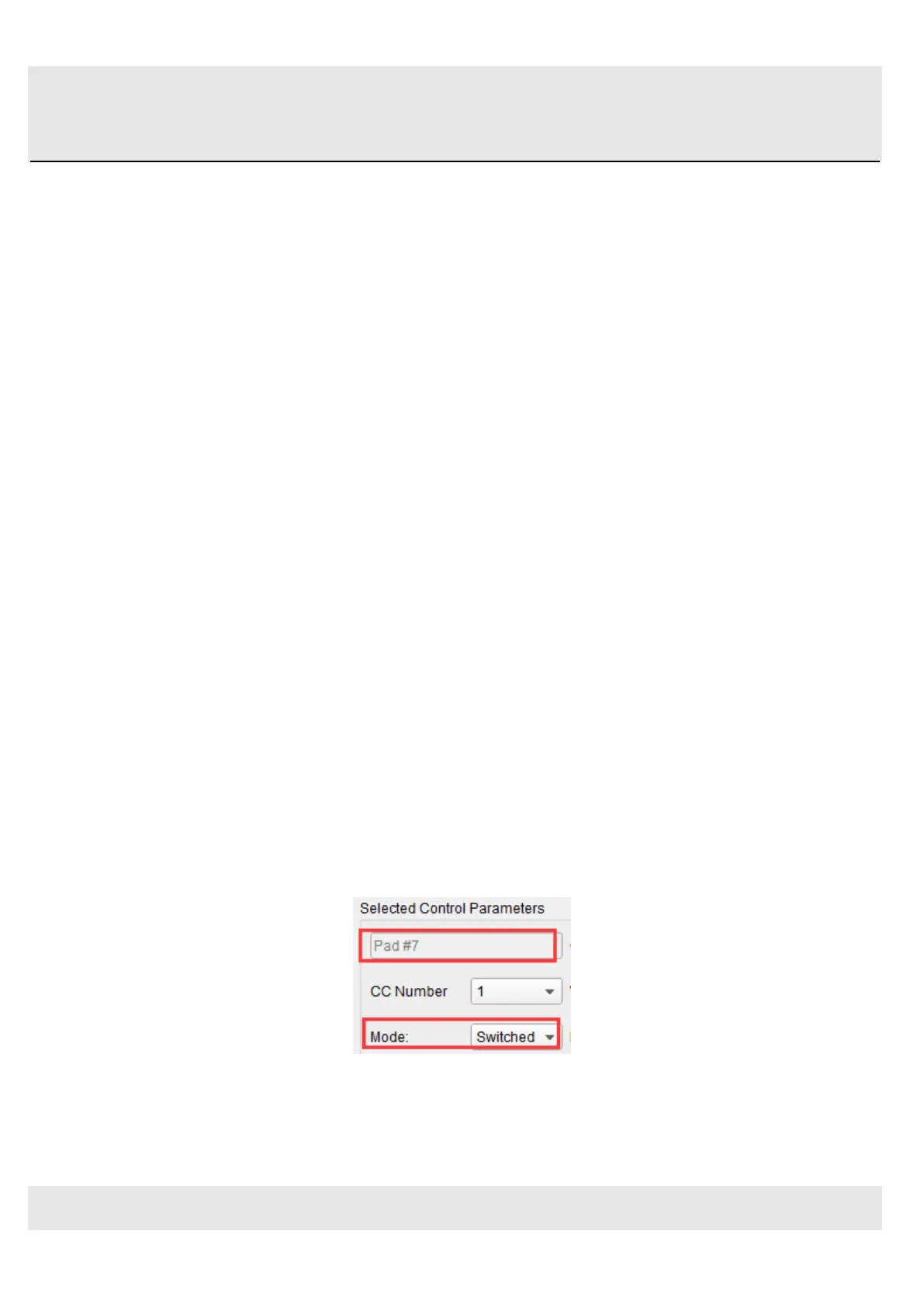
Let’s begin by selecting Pad 7 by clicking on its graphic in the MIDI Control Center or by tapping Pad 7 on the Orca PAD64.
Then click the Mode field to activate the pull-down menu:
5.1.2.2 Set the MMC Message number
Once the Mode has been set to MMC, the trick is to set both the LSB and MSB to the same number so the pad knows
which command to send. MMC Stop command needs the CC number set to 1, like so:



 To Next Page