HANGZHOU BLUE WHALE MUSIC TECHNOLOGY CO.,LTD HANGZHOU WORLDE MUSIC ELECTRONIC CO., LTD
WEBSITE:WWW.WORLDE.COM.CN EMAIL:SALES@WORLDE.COM.CN TEL:86 571 88730848
- 14 -
3.5.4 Select the Backlit RGB Color of 8 Pads
Press “ctrl assign” button and the LCD displays “Assign”, the faders F1, F2 and F3 are used for RGB color setting at this time. F1 is for red color. F2 is for
blue color and F3 is for green color. Press the pad you want to change the RGB color and then operate the fader F1, F2, F3 to change the RGB color of
this pad. Press any other button to exit the RGB color setting mode. The operation steps are following:
(1)Press the “ctrl assign” button for one time and the LCD displays “assign”.
(2)Press one of the 8 PADs and the LCD displays “A” on the bottom- left corner.
(3)Operate F1, F2, F3 to change the RGB color of the pad. During operation, the LCD displays the current RGB color No. on the bottom-left corner.
Maximum is 127, 0 means LED lights off.
(4)Press any other button to exit the RGB color setting mode.
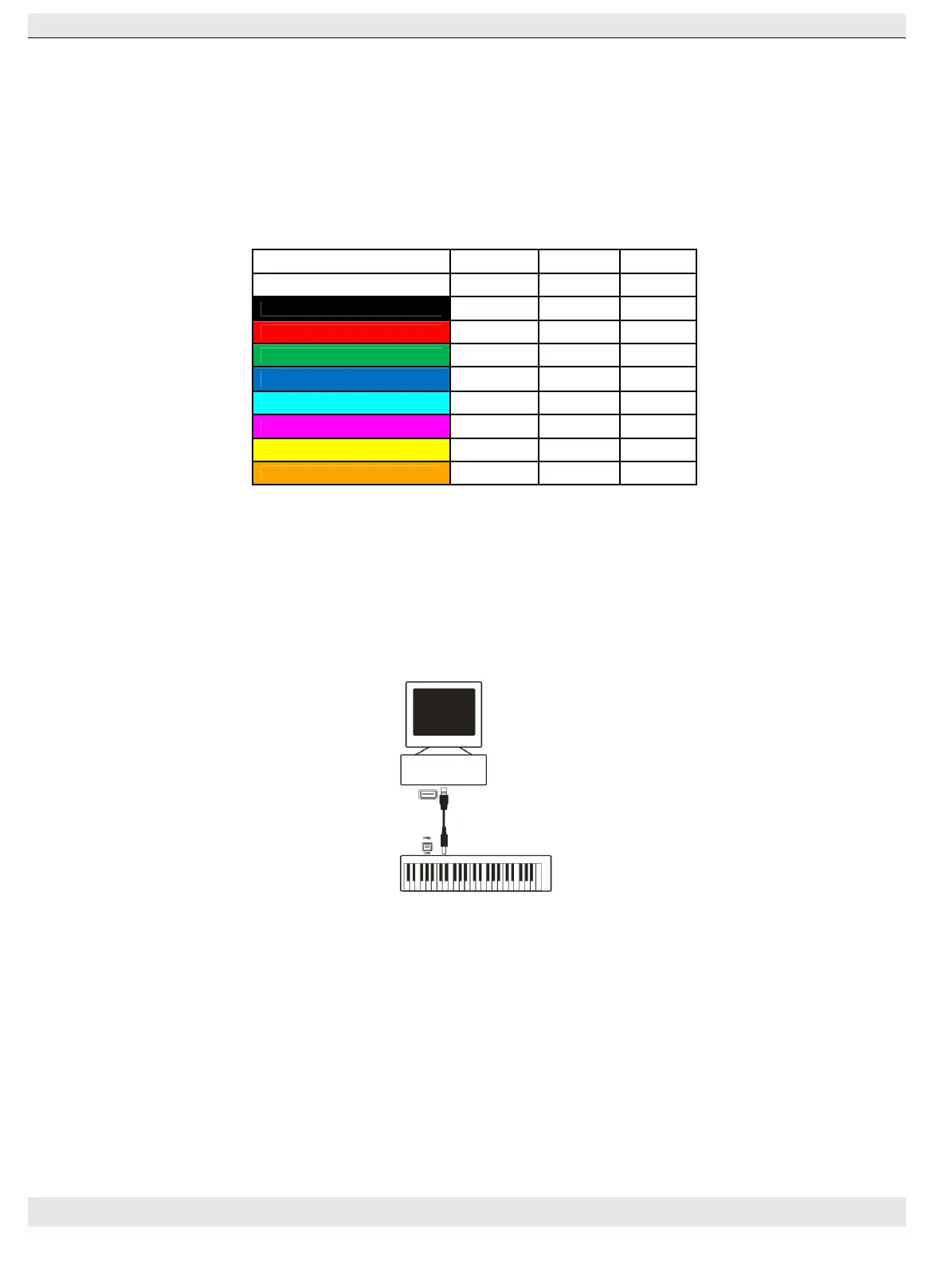
(5)Reference RGB No. for some colors:
COLOR R. G. B.
WHITE 127 127 127
BLACK 0 0 0
RED 127 0 0
GREEN 0 127 0
BLUE 0 0 127
CYAN 0 127 127
MAGENTA 127 0 127
YELLOW 127 127 0
ORANGE 127 82 0
3.6 MMC(MIDI MACHINE CONTROL)
There are 6 buttons used for MMC-[|<<],[<<],[>>],[O],[stop],[play].It is common to set the 6 buttons as Sequencer remote control buttons, it needs to be
working with sequencer software.
Section 4: Usage Examples
4.1 Recording Your Performance On A Sequencer
A MIDI sequencer will allow you to record, play back, store and edit MIDI data. Although hardware sequencers exist, we will focus on the more commonly
used software sequencers in this manual. Examples of popular software sequencers are Pro ToolsTM, CubaseTM and LogicTM, although there are
many different sequencing applications available for your computer.
In order to use the P-49/61/88 PRO with your sequencer, you need to set up the sequencer software so that the P-49/61/88 PRO is recognized as the
sequencer’s MIDI input device. You need to choose a MIDI output device that is capable of making sound when MIDI data is sent to it. This may be a
soundcard on your computer, a VST instrument or a sound module connected to a MIDI port which is in turn connected to your computer. Please consult your
sequencer’s user manual for more information on how this is done. In this manual, section 1.3.1, “Using The P-49/61/88 PRO With Your software” details how
the P-49/61/88 PRO will appear in the device listing of your sequencer.
With the P-49/61/88 PRO set up to communicate with the sequencer, data will go into the sequencer and will be routed to a virtual synthesizer within the
sequencer software or sent to an external sound module via a MIDI output port. The virtual synthesizer or external sound module will turn the MIDI data
into audible sounds. You can then record the incoming MIDI data and edit your performance using your sequencer.



 To Next Page