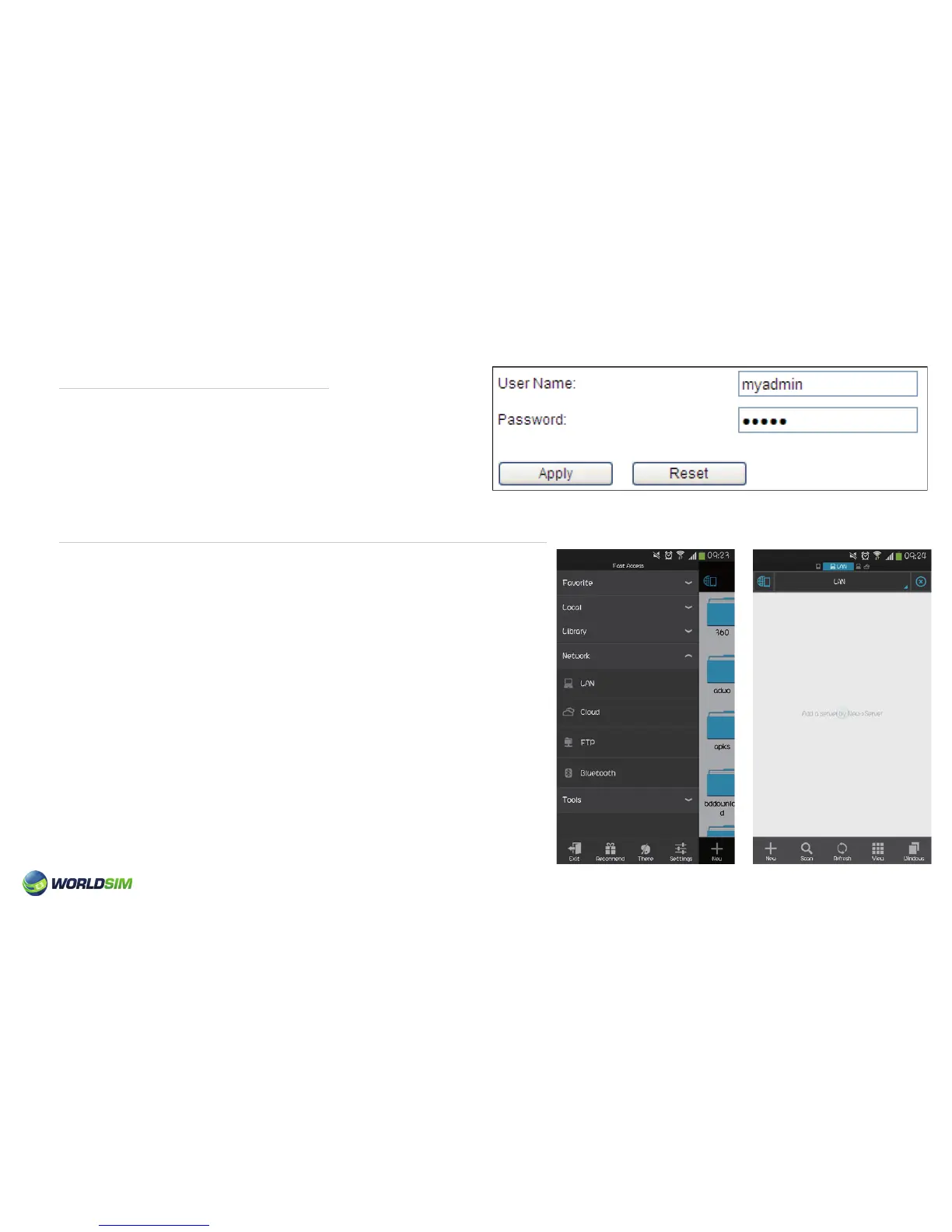
Modify the Login Password:
Android Devices/Panel Access for SD storage via WiFi:
1. Choose Maintain => SYS Cong => Admin Setting.
2. Enter User Name and Password.
3. Click ‘Apply’.
1. Switch to the state of SD card.
2. Open the ES le explorer , Click ‘LAN’ menu, then ‘New’ and
then ‘Server’ and input position. The IP address of the router
is ‘192.168.43.1’. Enter User Name and Password (both of
them are ‘admin’ by default).
3. After settings are complete, IP Address ‘192.168.43.1’
can be found in the share list. Click IP and select ‘Home’.
You can now access SD storage (examples showed on
following page).
11


 To Next Page