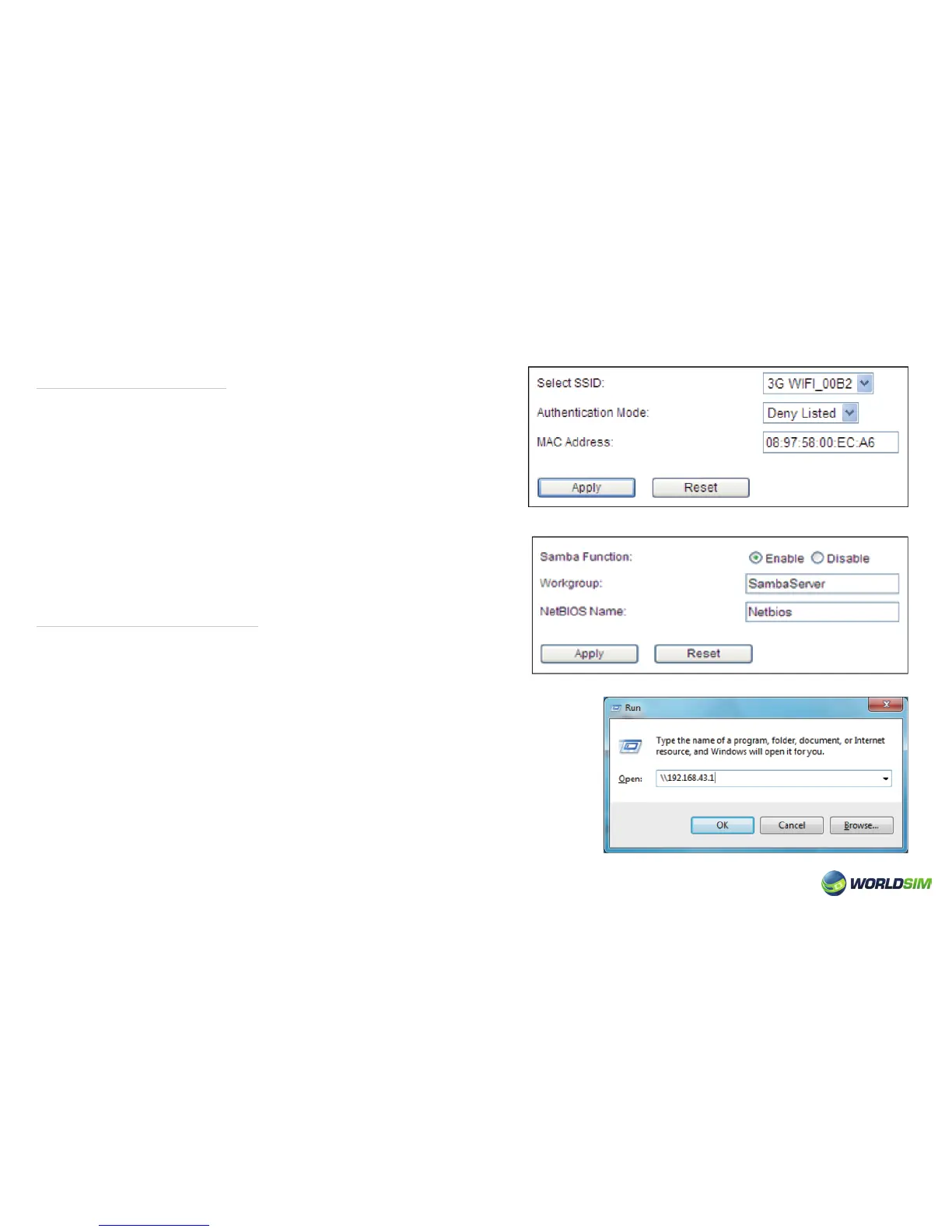
Wireless Maclter:
Storage Management:
1. Choose Basic => Wireless => Wireless Maclter.
2. Choose the required Authentication Mode.
3. Fill in the MAC address (According to the wireless MAC list).
4. Click ‘Apply’.
Please note:
• Deny listed: Addresses in this list won’t have access to the Tri-Fi.
• Allow listed: Addresses in this list can connect to the Tri-Fi.
1. Switch to the state of SD card.
2. Choose Advanced => Storage => Samba Setting.
3. Check whether Samba function is enabled, if not please choose “Enable”.
4. Click ‘Apply’.
5. Select ‘Run’ command in the start menu. Then enter ‘\\192.168.43.1’.
10


 To Next Page