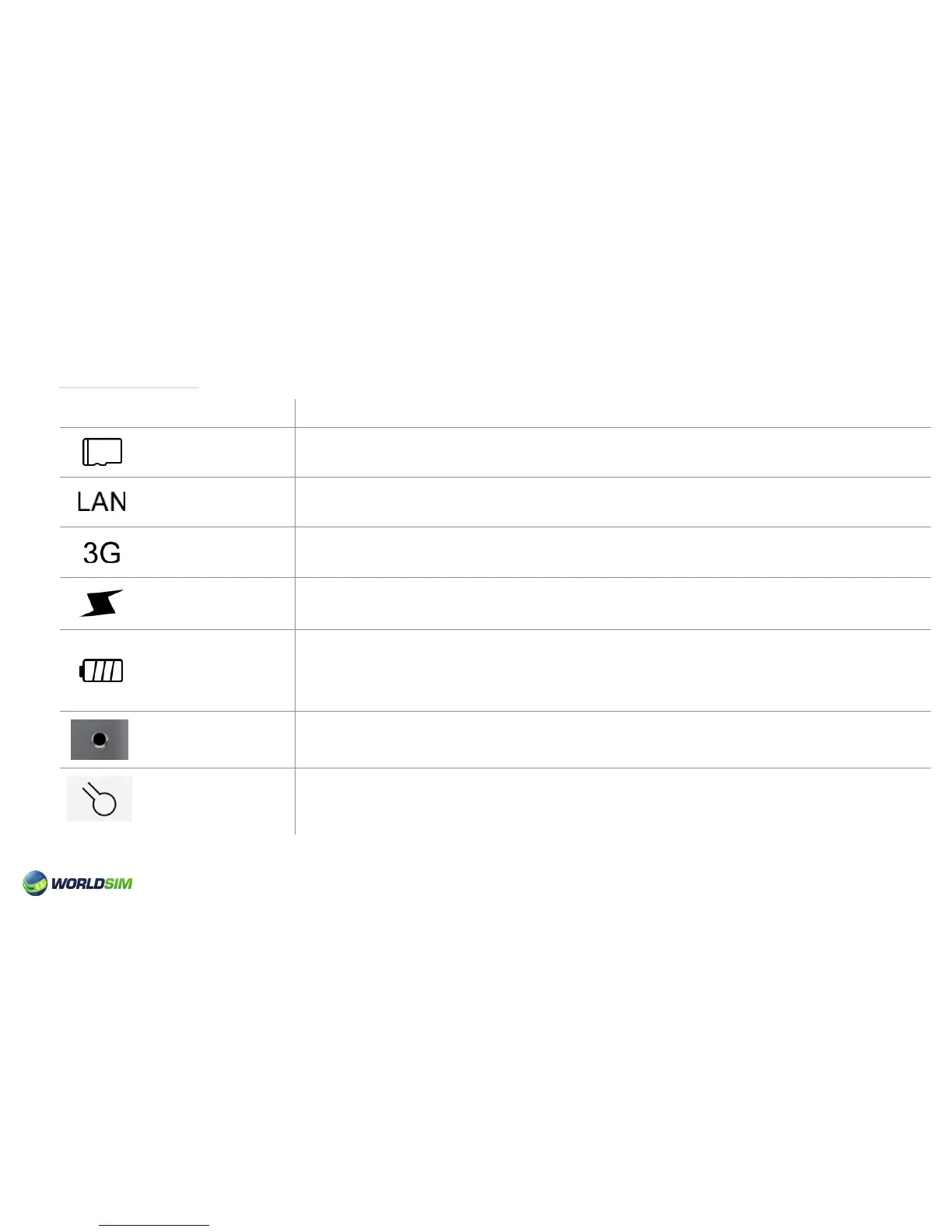
Device State:
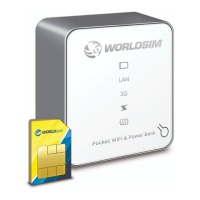
Please note: The state of SD card, LAN , 3G and Power Bank is switched by pressing the Select Button.
Indicator Light
Power Bank
Indicator Light
Battery Indicator
Light
Charge Indicator
Light
Data Indicator Light
LAN Indicator Light
3G Indicator Light
Micro SD Card
Indicator Light
• Indicator light is always blue when switched to the state of SD card.
• Indicator light is always blue when switched to the state of LAN.
• Indicator light is always blue when switched to the state of 3G.
• Indicator light is always blue when switched to the state of Power Bank.
• Indicator light is always blue when the battery is between 80% ~100%.
• Indicator light is always blue and red when the battery is between 40% ~80%.
• Indicator light is always red when the battery is between 10% ~40%.
• Indicator light is ashing red when the battery is between 0% ~10%.
• Indicator light is always blue when charging.
• Indicator light is switched off when charge is complete.
• Indicator light is ashing blue during power up or when not connected to a network.
• Indicator light is always blue when connected to a network.
Status
03


 To Next Page