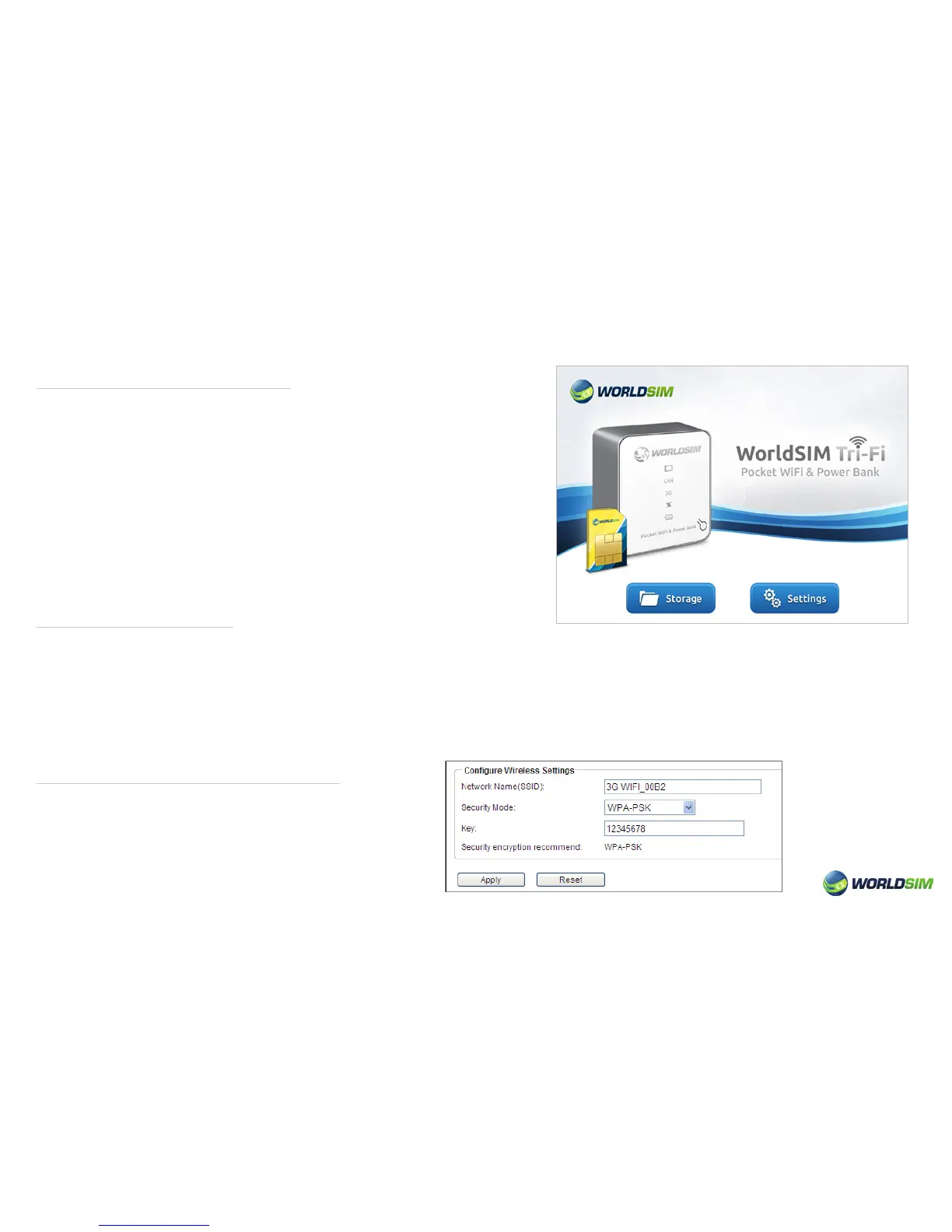
Login management page:
Memory Storage:
Modify the SSID and Password Key:
1. Conrm the connection of Tri-Fi with WiFi is established.
2. Open the browser, enter ‘http://192.168.43.1’ in the address
eld or just enter ‘192.168.43.1’.
3. Input username and password, then click ‘OK’.
Please note: The default username and password are ‘admin’.
Click ‘Settings’ to enter the Settings page.
Click ‘Storage’ to enter the memory storage page (this button
can be selected after Tri-Fi is switched to SD card state. Tri-Fi
has to be connected via LAN to access ‘Storage’ option).
1. Turn on the Tri-Fi.
2. Switch the Tri-Fi to the state of SD card. After Wi connection is established via LAN, login using the admin page. Click
‘Storage’ to access memory storage.
Please note: Multiple clients can browse the contents on the SD card at the same time. If you need to modify the contents,
please refer to the ‘Storage management’ section.
1. Choose Basic => Wizard.
2. Enter the SSID and Password Key that you need.
3. Click ‘Apply’.
06


 To Next Page