BWS platform scales Technical Manual
3. INSTALLATION
Unpacking
When you receive the scale, inspect it to make sure that it is not damaged and
that all are parts are included:
• Remove the Indicator from the carton.
• Remove the protective covering. Store the packaging and to use if you
need to transport the scale later.
• Inspect the indicator for damage.
• Make sure all components are included.
1. Indicator
2. Adaptor
3. Manual
4. Indicator holder (Optional)
5. Load cell Output connecter (Optional)
6. RS-232 Output Connecter (Optional)
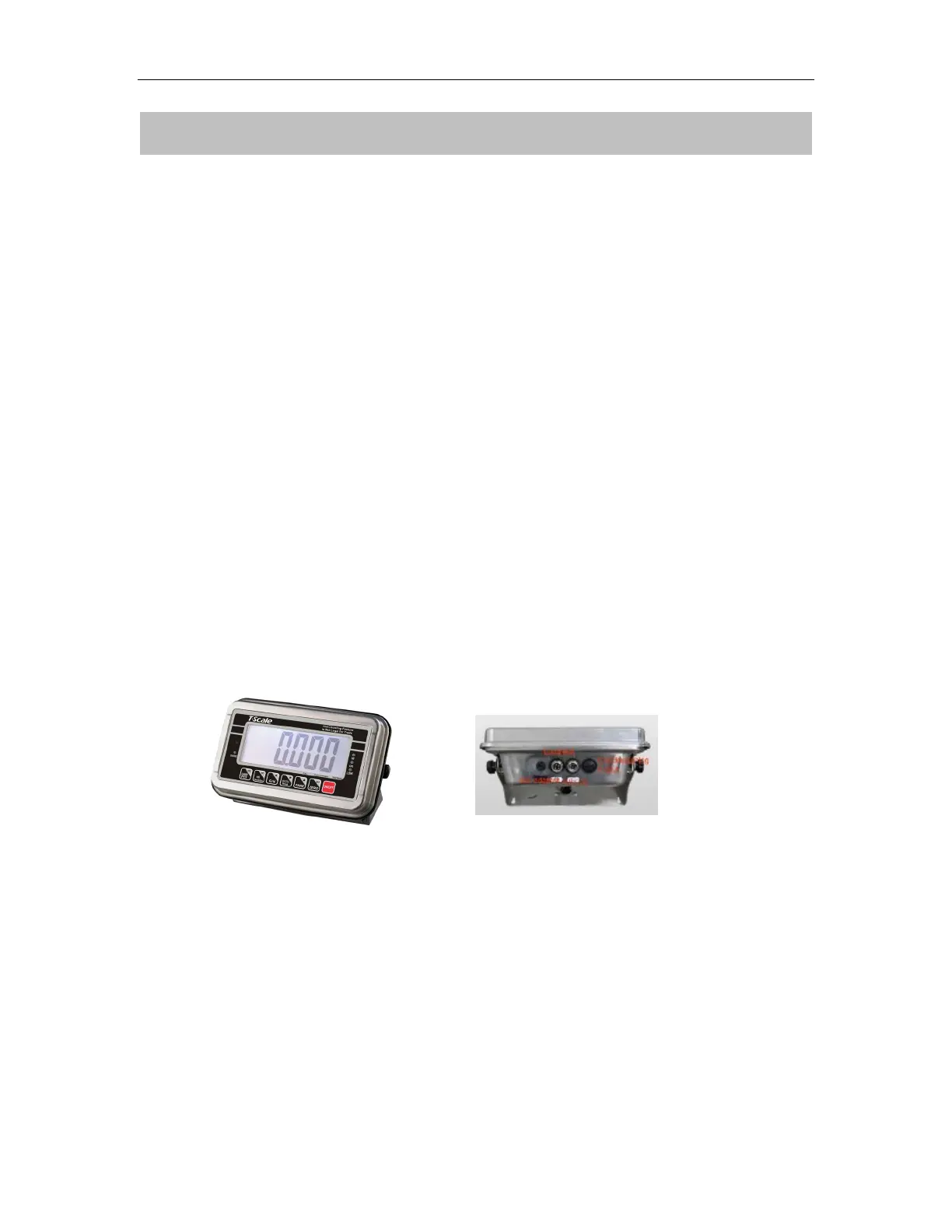
Parts Description
Installation
• Place the Indicator on a table or use indicator holder to connect with stand.
• Connect the plat form load cell cable in to the indicator load cell connecter.
Load cell connecter is locating back side of the indicator.


 To Next Page