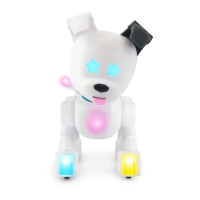
THE ONE IN A MILLION ROBOT DOG
RAINBOW
July 7, 2023 1 month old
LICKYSNUGGLY SWEET ADVENTUROUSENERGETIC
ACTIVATED
RAINBOW
FID-0 DAISY CHAMP-ION RAINBOW SPARK-E
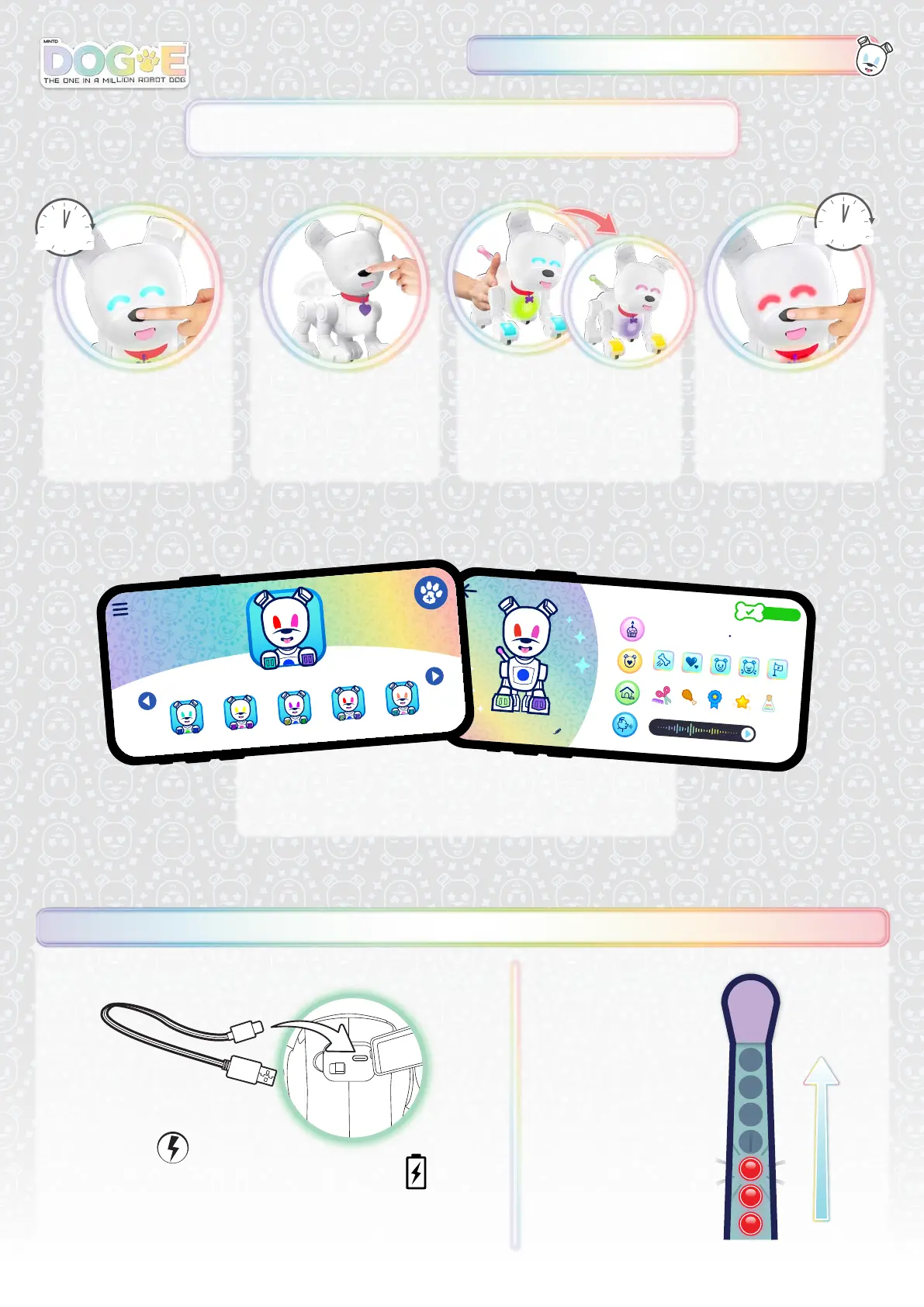
SAVING & CHANGING PROFILES
CHARGE BATTERY
DC IN 5.0V 1.5A
The Dog-E™ is operated by
1 x 3.7V 2000 mAh Lithium-ion
rechargeable battery. (included)
Flashing = CHARGING
Lights off = FULLY CHARGED
* Keep OFF when charging
CHARGE TIME:
Approximately 75 MINUTES
LED INDICATORS
YOU CAN ALSO SWITCH PROFILES
AND SEE YOUR SAVED PROFILES IN
THE DOG-E APP.
Dog-E can save up to 10 profiles, so you can mint multiple unique Dog-Es.
SAVE MULTIPLE PROFILES
PROFILE MENU
Press nose for 2 seconds.
ERASE A PROFILE
Lights flash red and warning
sound plays when I need to erase
a profile in order to mint a new
one. Hold nose button 3 seconds
to erase the least-used profile.
MINT A NEW DOG-E
On all white lights, press nose.
CHANGE PROFILE
Touch left or right side to
switch through saved profiles.
Press nose to confirm.
2 SEC
3 SEC


 To Next Page