Revision 1.0 - 12/08/2013 37
1.0 PURPOSE
The
following procedure describes the layout
and
contents of the DMUX screen on
NBfL.
2.0 NBFL DRIVER’S DISPLAY SCREENS
On-board diagnostic menu only available
on NBfL Models from 2011.
2.1 Intro Screen
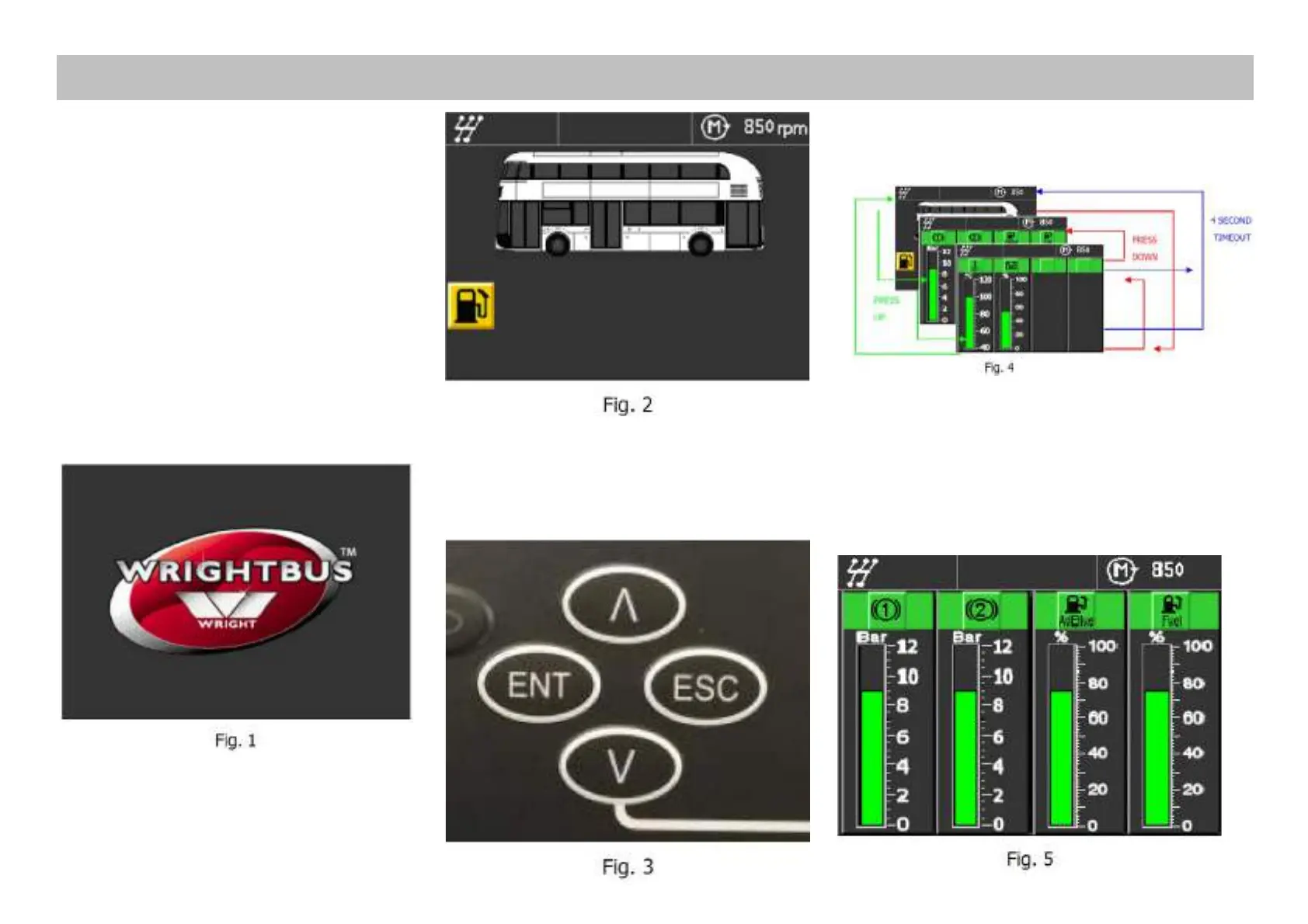
Displays for 4 seconds, then the Running
Screen is displayed (Fig. 1).
2.2 Running Screen
Main display screen. Displays Engine rpm,
door status, and warning icons (Fig. 2).
3.0 MENU PUSHBUTTONS
Use the ICM1 integrated pushbuttons for
menu navigation (Fig. 3).
4.0 BARGRAPH SCREENS
4.1 Bargraph Screen 1
Shows Circuit 1 and 2 Air Pressure, AdBlue
Level and Fuel Level (Fig. 5).
DMUX Screen - Instructions


 To Next Page