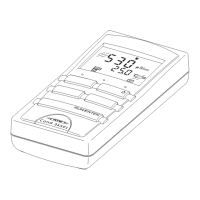
Determining/Setting the cell constants Cond 330i/340i
22
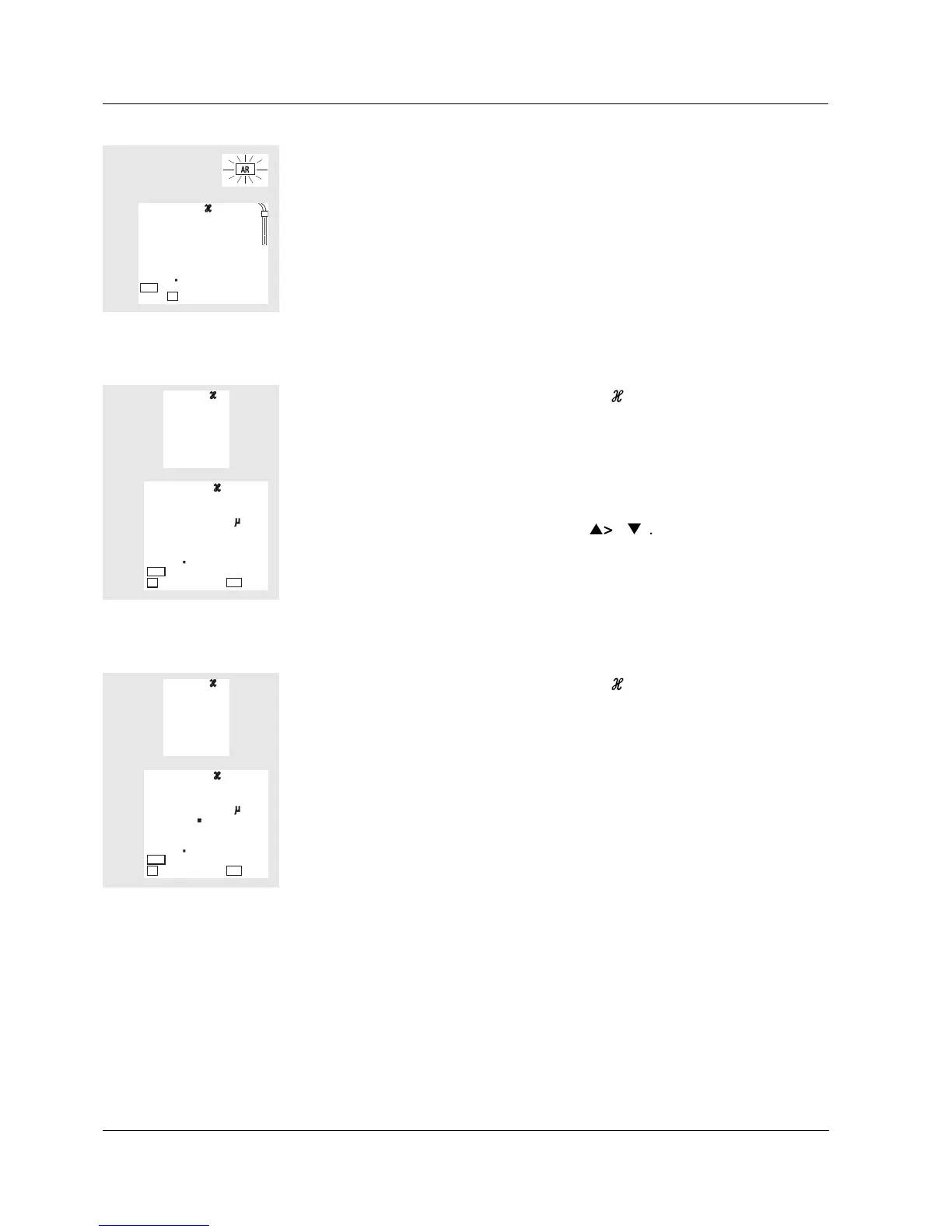
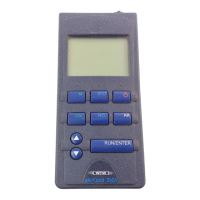
Procedure for manually setting the cell constant:
Procedure for selecting fixed cell constants 0.010 cm
-1
:
l Press <RUN/ENTER>. The AutoRead measurement begins.
l If the measured value is stable, the instrument displays the determined
cell constants and the calibration evaluation. The measuring instrument
automatically stores the cell constants.
l Switch to the measuring mode with <M>.
3
07
4
Cal
cm
1/
Tref25
A
L
C
l Press the <CAL> key repeatedly until the CELL display appears.
l Then press the <RUN/ENTER> key.
l Press the <CAL> key until a measured value and a value for the cell con-
stant appears in the required setting range.
l Set the value of the cell constant with <
> <
>.
l Switch to the measuring mode with <M>.
L
CL
E
4
01
6
8
0
6
cm
1/
S/
cm
Tref25
nLF
ARng
l Press the <CAL> key repeatedly until the CELL display appears.
l Then press the <RUN/ENTER> key.
l Press the <CAL> key until a measured value and the cell constant
0.010 cm
-1
appear.
l Switch to the measuring mode with <M>.
L
CL
E
0
01
0
2
5
9
cm
1/
S/
cm
Tref25
nLF
ARng


 To Next Page