Operation VARIO pH
32
ba75373e03 05/2005
Setting the date
and time
1 Switch on the meter with <(>.
After a short display test, a measured value is displayed.
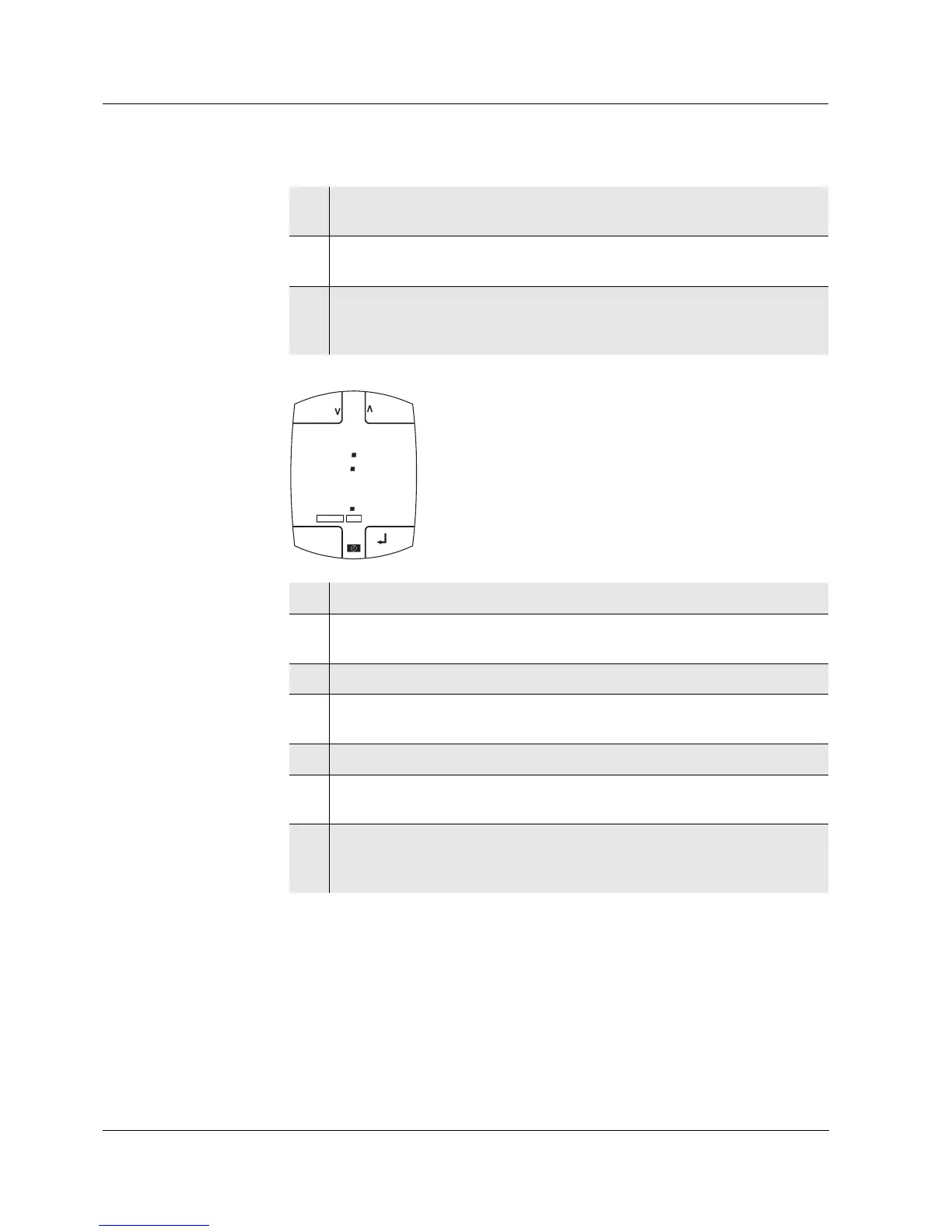
2 Press <U> to indicate the time and date on the display.
The U status indicator appears.
3 Select the hours or minutes with <3> or <4> [<Hours> or
<Minutes>].
The h symbol flashes.
4 Set the time with <>> and <<>.
5 Using <5> or <6>, select the [<Day> or <Month>].
The d symbol flashes.
6 Set the date with <>> and <<>.
7 Confirm the setting with <g>.
The year is displayed.
8 Set the year with <>> and <<>.
9 Confirm the setting with <g>.
The time and date are displayed again.
10 Switch to the measured value display with <E>.
or
Set the alarm time (see section 4.6.2).
CLR
Ident
C
pH
mV
d
MEM
CAL
LoBat
min:s
Lap
RESET
LAP
ESC
03
1 1 0 9
5
h:min
Day.Month
1


 To Next Page