Step 3 -WYBOT App setting
Email:support@wybotpool.com Facebook: @WybotPool Website: www.wybotpool.com
Step 1 -Charging
Insert charger cable into
the charging port, and keep
your device at least 3m away
from pool.
Unscrew protective cap, and ensure charg-
ing port dry。
Fully charge your device before first use.
Quick Start Guide
Step 2 -Starting the device
Screw protective cap back.
Press on/off button, and the LED
turns solid blue.
Put the device into the pool within
3 min., otherwise, it will power off.
The default cleaning mode is wall
then floor.
Please download WYBOT
and set your cleaning mode
in advance.
Register your account as
per App direction.
Bind your device as per App
direction.
Enable your mobile phone
Bluetooth.
Keep your device out of
water and within the range
of Bluetooth.
Your device will turn solid
purple after a successful
connection.
Customize your cleaning
mode via the App.
①
②
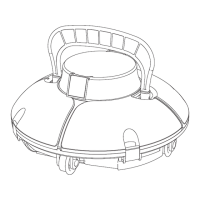
WYBOT C1 Pro/Max(OS7010/OS7010 Max)
3m (9.8ft)
Press the on/off button
again to select your clean-
ing mode directly from the
cleaner.
Either way is workable.
Solid : fully charged!
or


 To Next Page