01
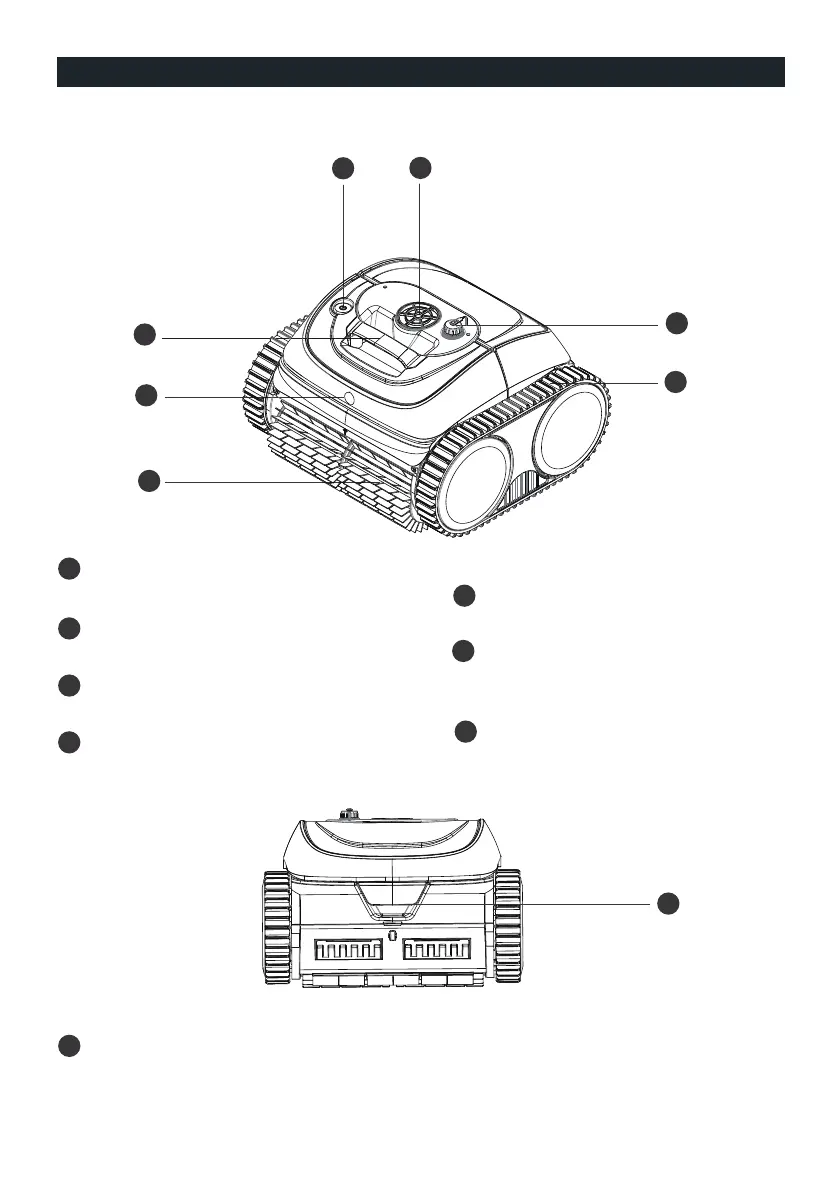
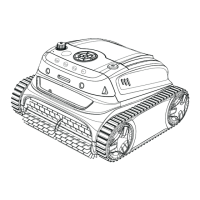
WYBOT C1(OS7010C) AT A GLANCE
LED Indicator
Different light colors to indicate device status
Handle
Remove and transport the device with it
on/off Button
Turn on/ off the device
Pump
Suck debris and pump out water through
the window
a
b
c
d
Charging Port
Connect the charging cable
Track
Enhance device’s capability in climbing walls
and various obstacles
Scrubbing Brush
Knock loose all dirt and roll them all into the
device
e
f
g
Product External Overview
d
f
a
e
g
b
c
h
h
Filter Cover Handle
Hold it and press the edge to open the cover



 To Next Page