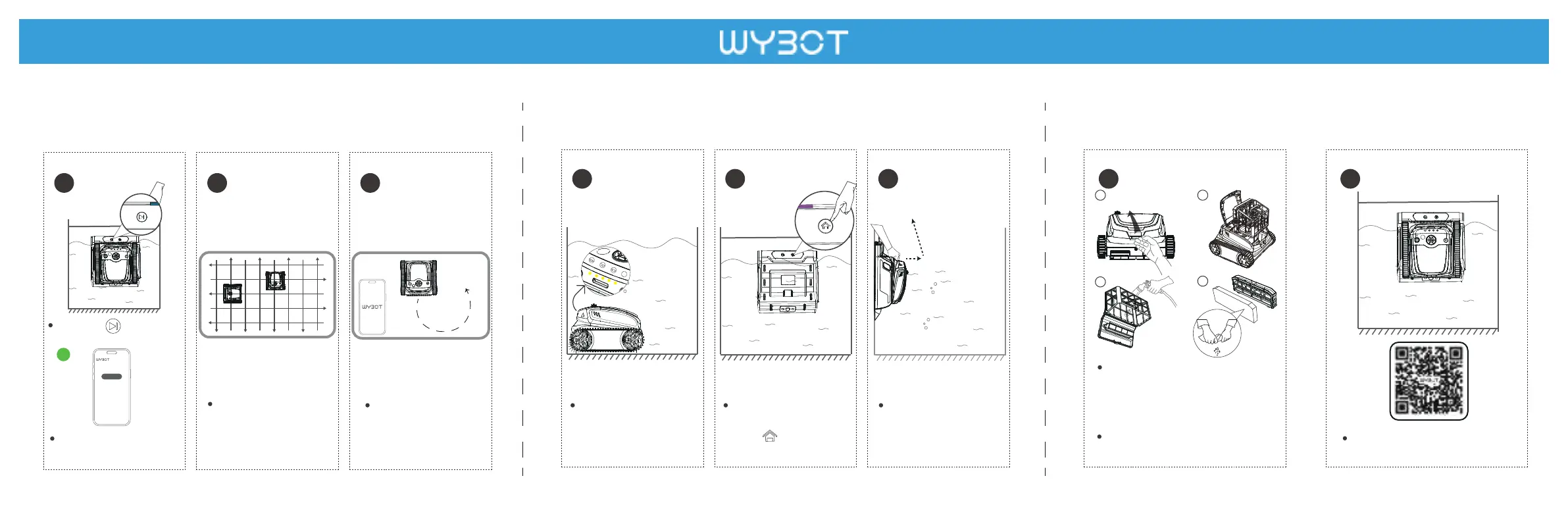
Step 6 -Cleaning the filter
Email:support@wybotpool.com Facebook: @WybotPool Website: www.wybotpool.com
Step 4 -Start cleaning Step 5 -Removal from the pool
16 17
13
14
15
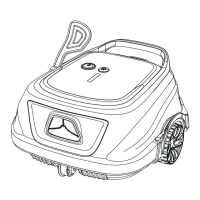
The device will automati-
cally move to the docking
station when finishing
cleaning or battery is low.
You can also call the clea-
ner back to the docking
station by pressing the
button .
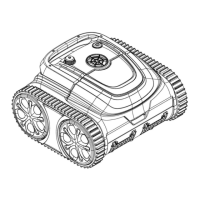
Remove the cleaner from
the docking station and
power it off.
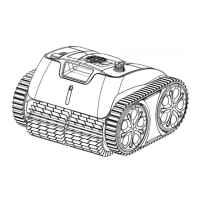
You should clean the filter after use.
Insufficient cleaning may influence
pool cleaning effect.
Quick Start Guide
a
b
c d
Cotton foam is an auxiliary filter to help
trap the fine dirty particles.
Recommend
to use it for floor cleaning.
Please do not install it when the pool
water is heavy dusty, it may influence
the operation of the cleaner.
Document No. GA202421002
WYBOT S2Pro
1010
Press the button to
start the pool cleaning.
The cleaner begins to
clean walls, floor and
waterline as default or
your set through App.
You can control the
cleaner remotely and
complete the specific
area cleaning via the
App.
11
12
Start cleaning
Or, click the start cleaning
button on the App to
start cleaning.
or
Please scan the QR code above to
view detailed instructions.
MODE
MODE



 To Previous Page