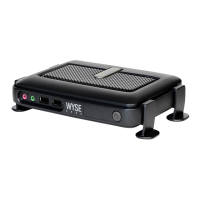
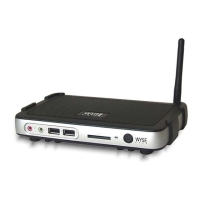
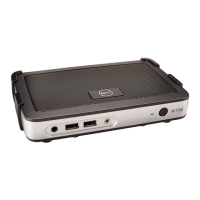
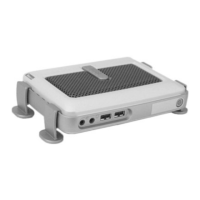
Installing the Wyse Rx0L Thin Client
Flash and RAM Upgrade Option Kits
About this Guide
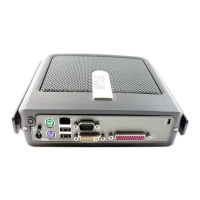
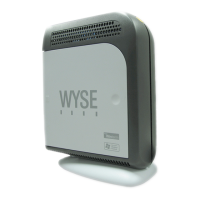
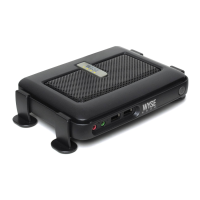
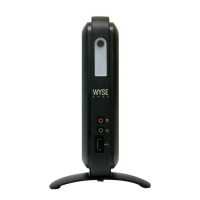
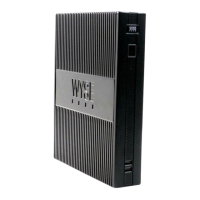
This guide enables users of Wyse Rx0L thin clients to install flash and RAM upgrades.
The information in this document is intended for the following Rx0L thin client products:
•R50L
•R90L
Wyse Technical Support
To access Wyse technical resources, visit http://www.wyse.com/support. If you still have
questions, you can submit your questions using the Wyse Self-Service Center
(from the
Wyse Web site, navigate to Support, then Overview, and click “Wyse Self-Service and
Knowledge Base Center”) or call Customer Support at 1-800-800-WYSE (toll free in U.S.
and Canada). Hours of operation are from 6:00 A.M. to 5:00 P.M. Pacific Time, Monday
through Friday.
To access international support, visit http://www.wyse.com/global
.
Related Online Resources Available at Wyse
Wyse thin client features can found in the Datasheet for your specific thin client model.
Datasheets are available on the Wyse Web site at: http://www.wyse.com/products
.
Administrator, User, and ReadMe documentation for your thin client model are available
at: http://www.wyse.com/manuals
.
Wyse Thin Computing Software is available on the Wyse Web site at:
http://www.wyse.com/products/software
.


 To Next Page