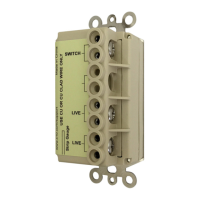
App - Scenes 15 Model WM100
You should now see your scene
with the devices you selected listed.
This page shows what the devices
will be doing in the scene (you
cannot actively select them ON or
OFF, etc.).
To change them from OFF and add
delays, etc. select the configuration
icon (gear icon) to the right of the
This is where you will be indicating
what the device will be doing in
your scene. You can select the
ON/OFF state, the DIM level (if the
device is dimmable) and set a delay
if you would like one.
You can delete this device by
pressing the red trash can icon on
the right.
When finished, hit “Save”.


 To Next Page
 Loading...