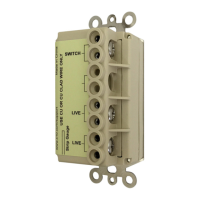
App - Scenes 16 Model WM100
To run this scene, select “Save”, “Back”, or hit the “Scenes” tab at the top.
this configuration, we
are telling the Bedroom
Light device to turn ON
5 minutes after we
press the RUN button
on the Scenes page.
After the changes above, this is
what this particular Scene would
look like.
Again, you can’t actually change the
live status of these devices from
this page, this is just an indication
of what they will do in this scene.


 To Next Page
 Loading...