50
51
(15) BASS control dial
Use this control dial to regulate low-pitched tones. Turn the dial either to the right to
intensify or to the left to soften deep tones.
(16) MUTE button
Press this button to mute the sound without changing the preset volume (e.g. during
a telephone call).
(17) PHONES jack
This jack can be used to connect headphones.
The ampli er will mute the speakers once headphones have been connected to this jack.
Caution:
Do not listen to high volume levels when using headphones. Doing so could impair
hearing or lead to permanent hearing loss. Please pay special attention to children
using headphones.
(18) Power-LED
This LED lights up, while the device is on.
Chapter 5
The device
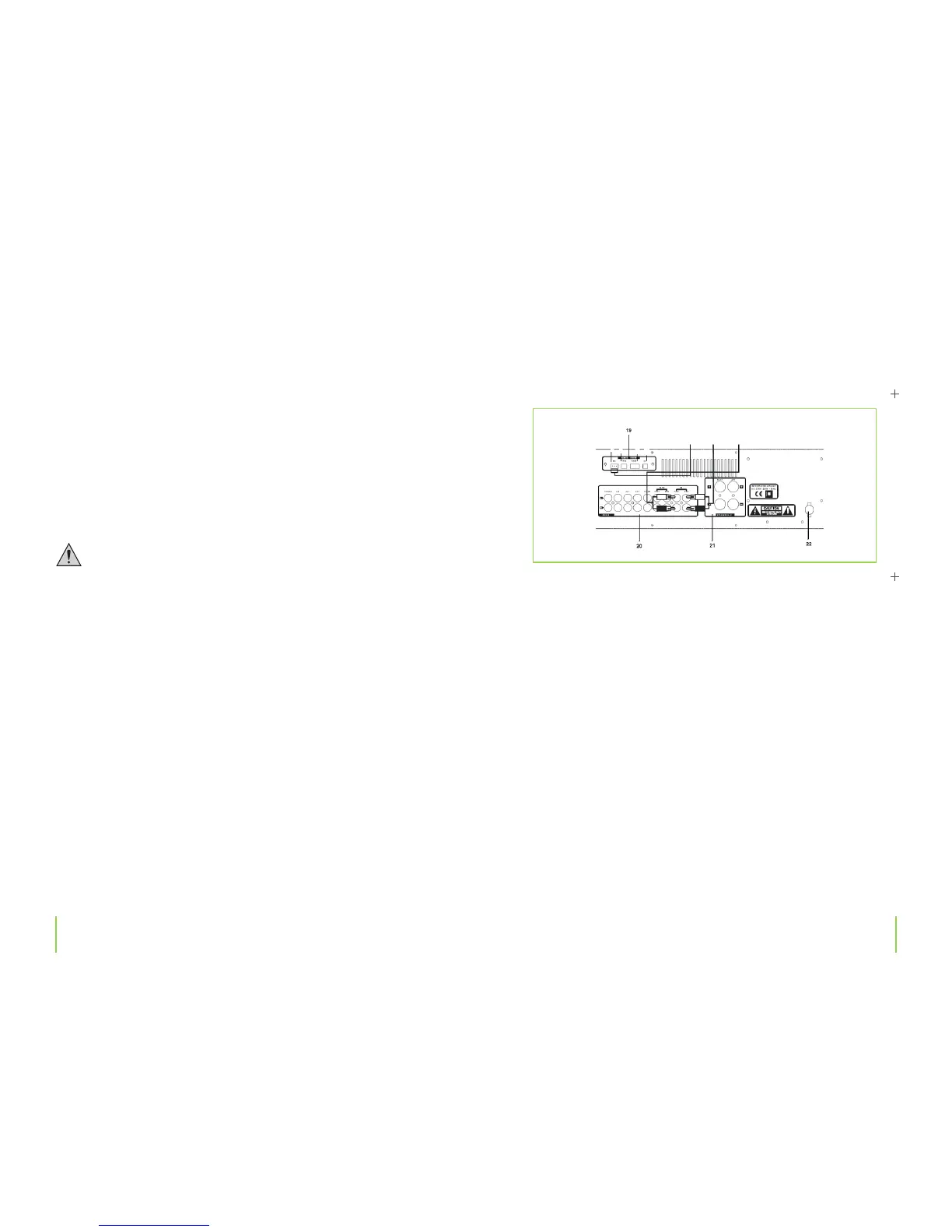
(19)
Remote control connections
(Please r
efer to chapter 4 for details on making connections.)
(20) Jacks for AV connectors
(Please refer to chapter 4 for details on making connections.)
(21) Terminal connections for loudspeakers
(Please refer to chapter 4 for details on making connections.)
(22) Power cable
For connection to a power supply.
Chapter 5
The device


 To Next Page