7. One HDMI cable
8. Documents (Quick Start Guide, manual, Xbox Live Trial card)
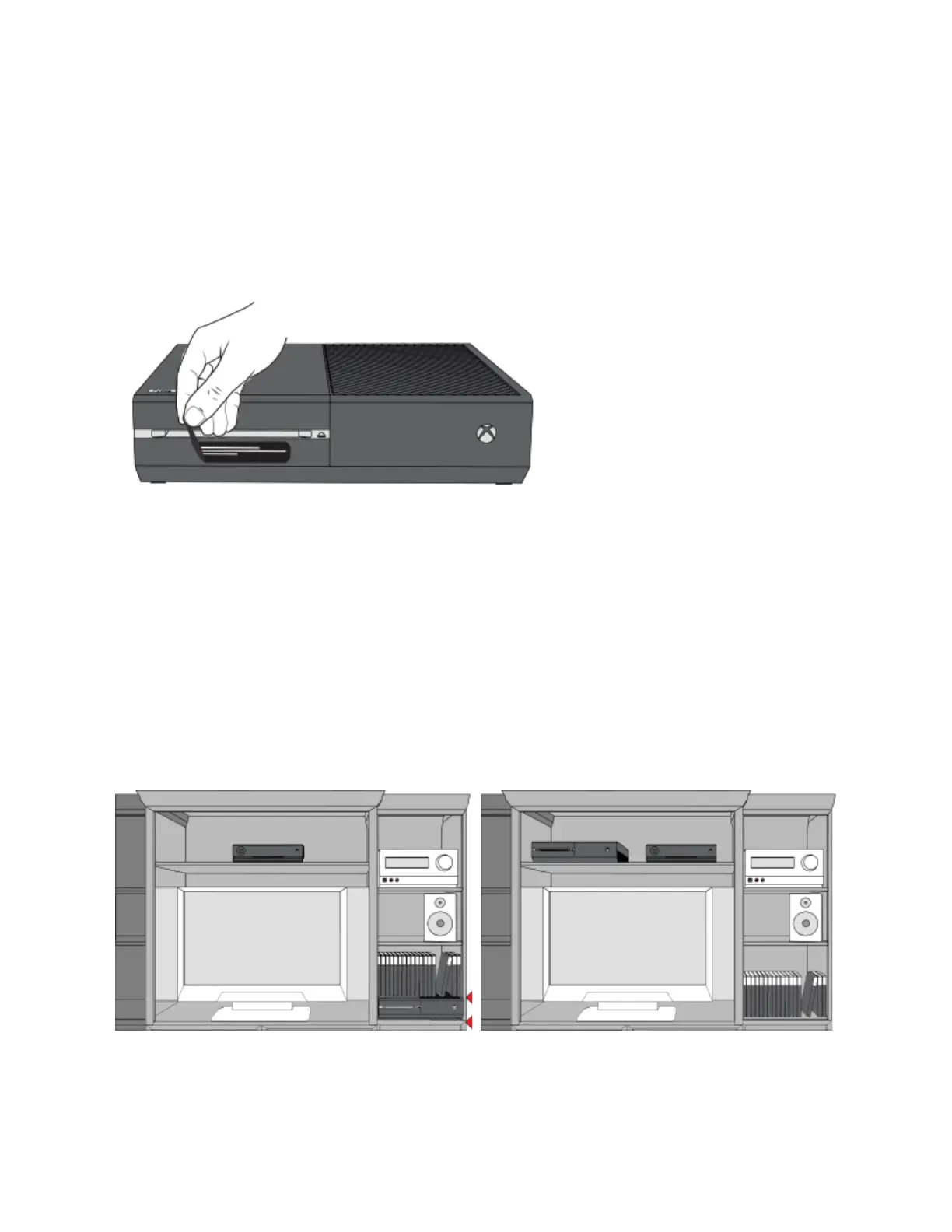
Step 4: Remove the protective tape
This tape is placed over the disc tray opening on the front left side of the console
Position the console
Make sure that the location for your console is as follows:
A stable surface.
Well-ventilated, relatively cool, and away from direct heat sources.
Uncluttered. Don't put other objects on, under, or right next to the console. An object on
the top right of the console may block its heat vents.


 To Next Page