Once your console is set up, you will need to power it up for the first time. You can do this one
of two ways:
Press the Xbox button on the front-right side of the console.
Press the Xbox button in the center of the controller.
Pressing either button will turn the console on.
Turning on the Xbox One console for the first time begins the digital setup experience.
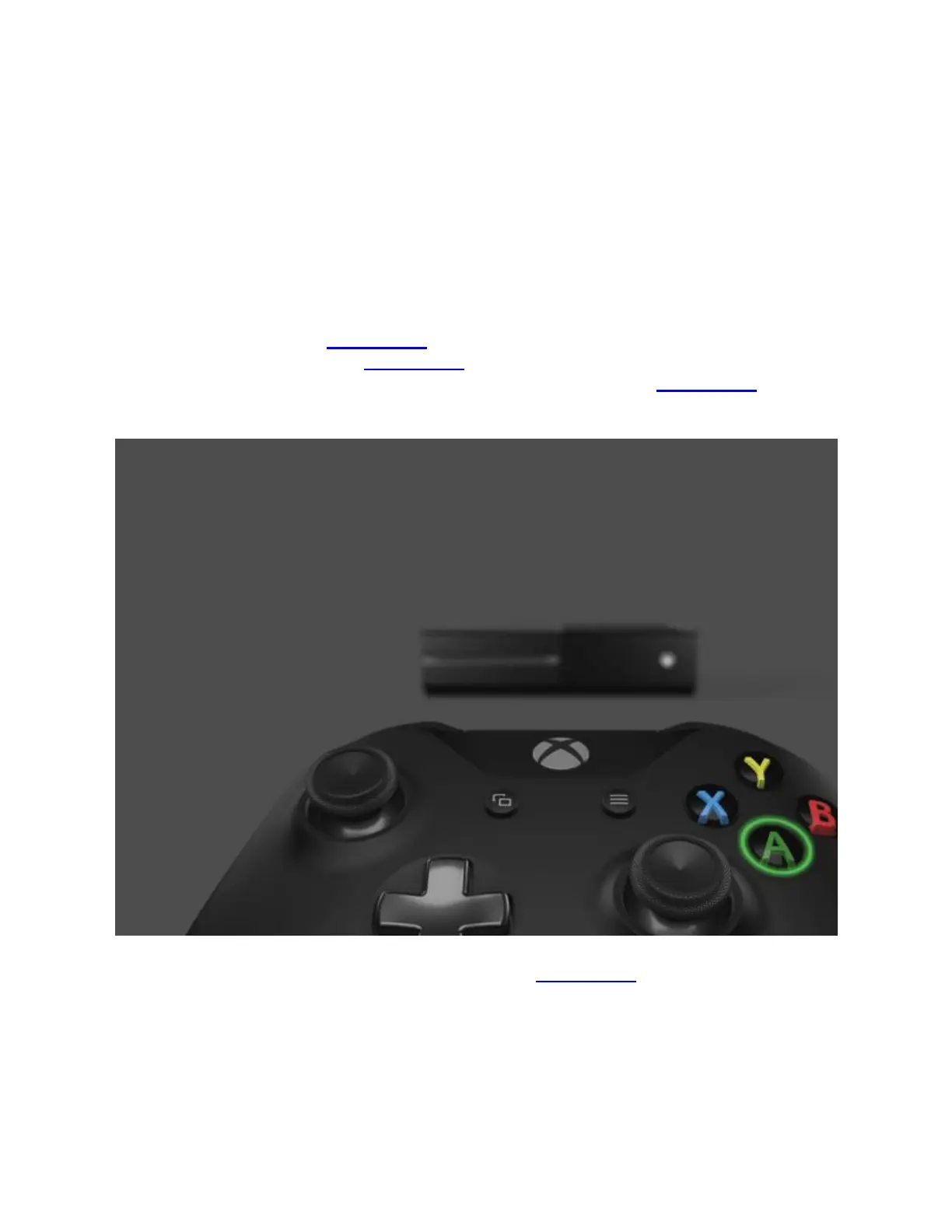
If you powered on using the Xbox button on the front of the console, you will see an image of
the Xbox One controller with the Xbox button flashing. This is a reminder that you need to turn
on your controller before continuing. To turn on the controller, press the Xbox button in the
center of the controller.
If your controller does not power on when you press the Xbox button, you will need to make
sure your batteries are installed properly. See Battery options for your Xbox One wireless
controller for information about installing and using batteries.
Once the controller and the console are powered on, you should see a close-up of the right side
of the controller:


 To Next Page