Portable LED HeadLight System (L2S15) www.xenosys.co.kr
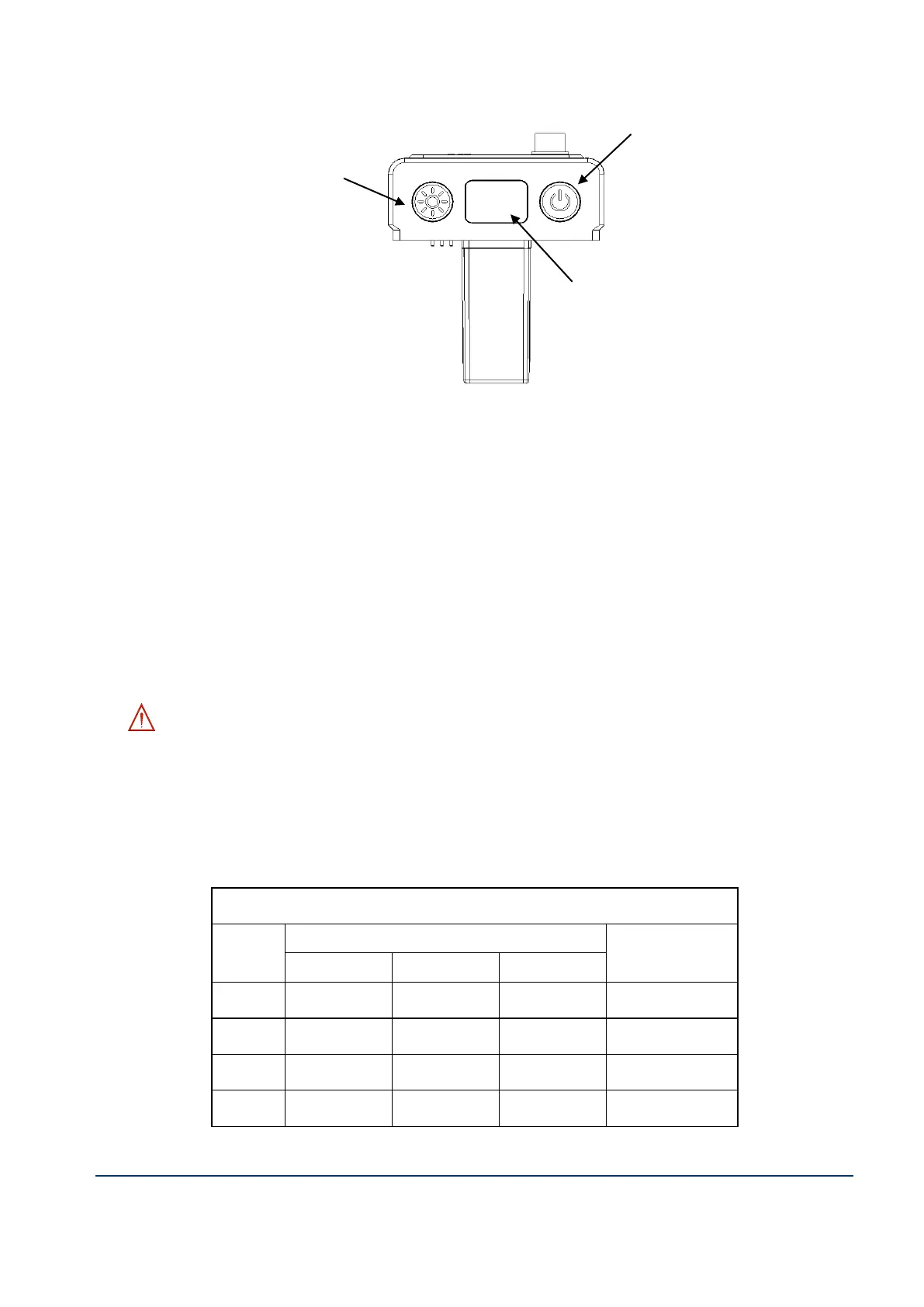
Battery Remaining LED Signal
D. Turn on light & Intensity change
1. Assemble the control unit & battery pack, then press power ON/OFF button to start.
① Check the light comes out from LED lens module.
② Check the battery remaining signal on front of control unit. (It will show with the unit
of % for remaining value)
③ If fully-charged battery installed, it will show “FU”. As battery will be exhausted, the
remaining value will show “99” ~ “0”. “Beep” alarm sound will come on less than
“10”, and we recommend recharging the battery. After “Beep” sound, the power will
shut down after 10 minutes.
Caution – Please exchange fully charged battery or recharge when hearing “beep”
sound and only a few moments light come which means the battery is not charged.
2. Press the intensity change button to adjust desired brightness.
One press will apply to change one step each (STEP 1
st
, 2
nd
, 3
rd
, 4
th
).
Below table will indicate LED lens module brightness (lx@WD400mm) & operating time.



 To Next Page