DocuColor 242/252/260
DocuColor 242/252/260
Quick Use Guide
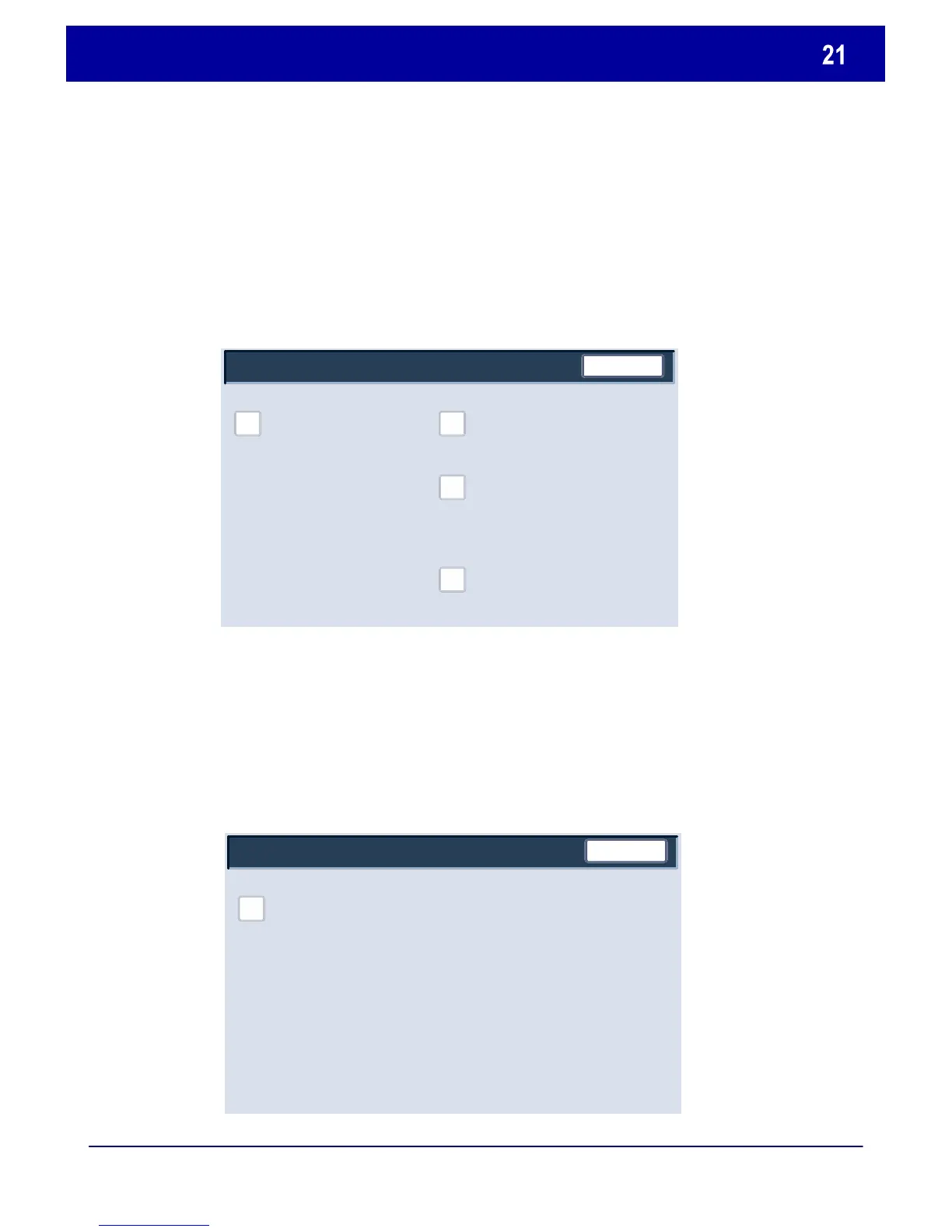
System Administrator Menu Overview
The Setup Menu allows administrators to access the Paper Tray
Attributes settings.
The System Settings menu allows administrators to access
submenus for Common Settings, Copy Mode Settings, Scan
Mode Settings, and Network Controller Settings.
Close
Setup Menu
Paper Tray Attributes
Close
Copy Mode Settings
Network Controller Settings
Common Settings
Scan Mode Settings



 To Next Page
 Loading...













