Load Paper in Trays 2 - 5
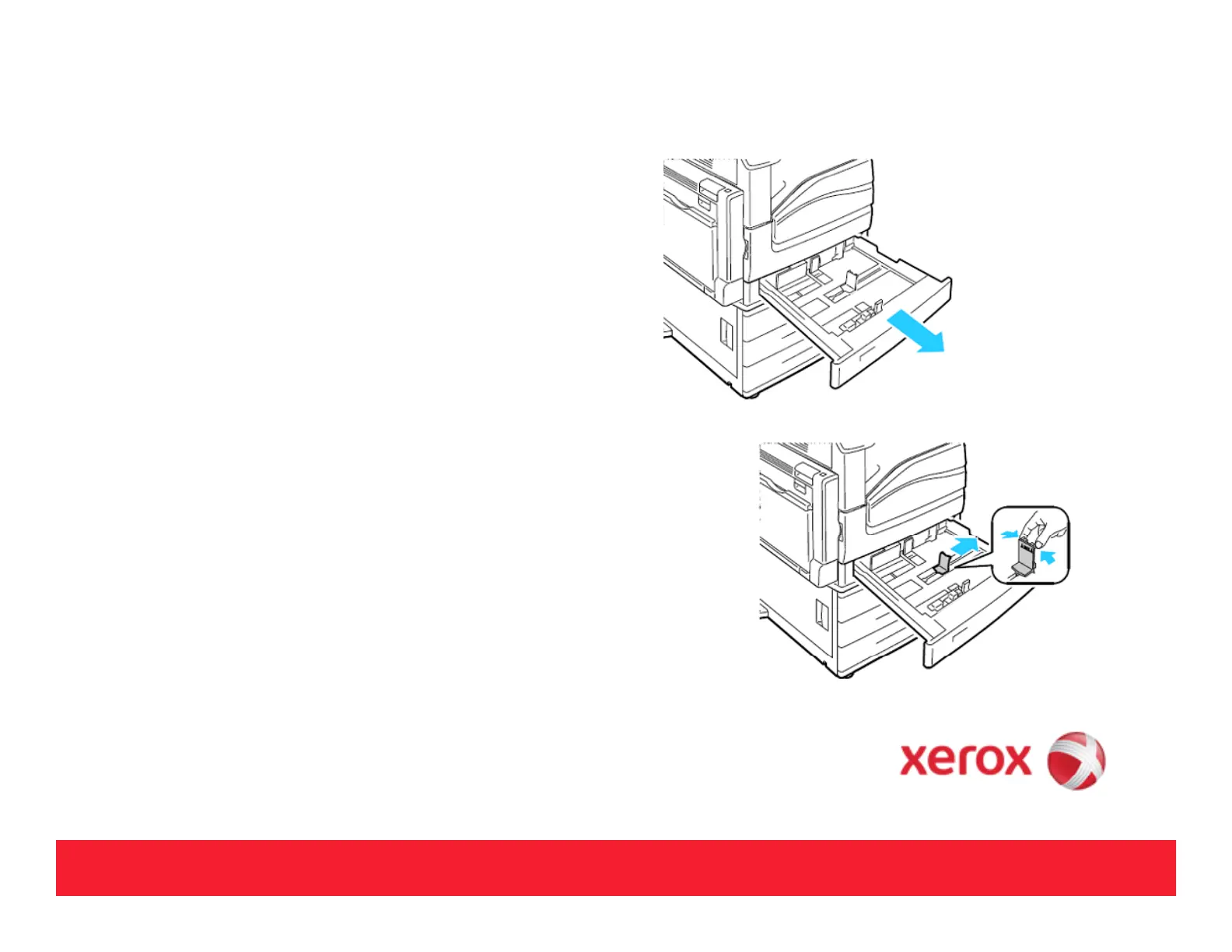
• Pull out the tray and make sure the guide
locks are in place.
• Example for long-edge feed (LEF) 1-sided
printing:
Insert letterhead, pre-printed paper, and
labels face-up with the top ed
e toward the
front. Load hole punched paper with the
holes to the right.
•If the Touch Screen prompts, verify the size,
type, and color information on the Tray
.
•Select [Size], [Type], or [Color], then modify
the settings as need.
•Select [OK].
4



 To Next Page
 Loading...













