Jam Clearance – Tray 1
WARNING: Internal parts of the printer can be hot.
Use caution when doors and covers are open.
emove
an
paper
rom
ra
.
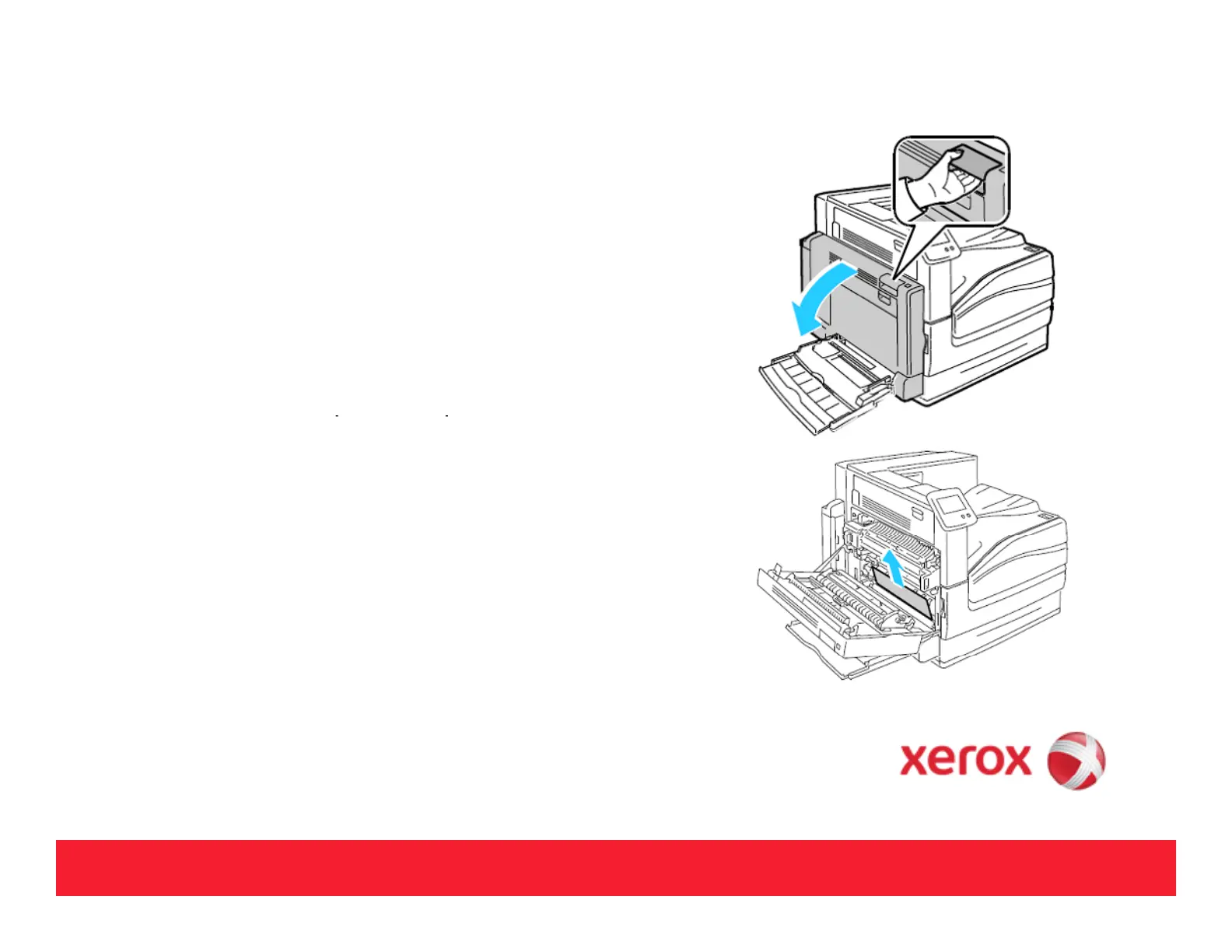
If no jammed paper was found in tray, push up the latch
on the left side of the
rinter to o
en Left Side Door A.
Remove any remaining paper jammed in Tray 1.
.
Load the paper in the tray.
NOTE: Do not load paper above the maximum fill line.
Overfilling can cause paper jams.
6



 To Next Page
 Loading...













