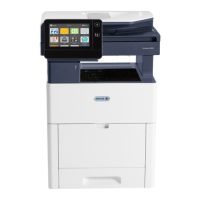
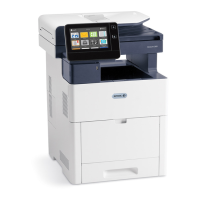
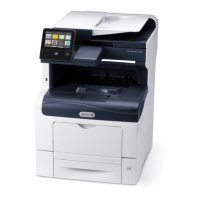
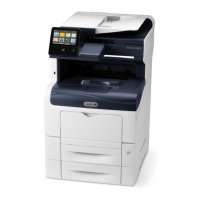
4. To install the Wireless Network Adapter, follow the procedure defined on the instruction sheet
provided with the Wireless Network Adapter.
Note: Pulling on the adapter can damage it. Once installed, remove it only as needed, and
as directed in the Wireless Network Adapter removal instructions. For more information,
refer to Removing the Wireless Network Adapter.
5. Power on the printer.
6. Configure the Wi-Fi settings from the front panel or the embedded web server if connected via
ethernet. For more information, refer to Resetting Wireless Settings.
Xerox
®
VersaLink
®
C605 Color Multifunction Printer
User Guide
43
Getting Started

 To Next Page
 Loading...