


 Need help?
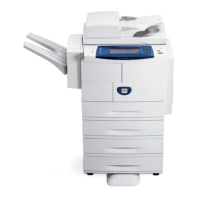
Do you have a question about the Xerox WorkCentre 4150 and is the answer not in the manual?
 General
| Brand | Xerox |
|---|---|
| Model | WorkCentre 4150 |
| Category | All in One Printer |
| Language | English |
Recommends changing and periodically resetting the Tools password for enhanced security.
Details the Image Overwrite Security option for protecting document data on the hard drive.
Advises changing default SNMP v1/v2c community strings to random names for security.
Recommends checking for the latest certified software versions before performing upgrades.
Recommends enabling the Admin Password option for secure access to diagnostics menus.
Warns administrators against disabling critical security functions without review.






 To Next Page