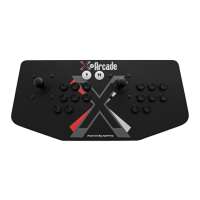
THANK YOU FOR YOUR PURCHASE
The XGAMING® Inc. team is excited to bring the X-Arcade™ authentic acade experience into your
home. “THE ULTIMATE ARCADE EXPERIENCE”.
IMPORTANT – READ BEFORE INSTALLATION
• The X-Arcade™ ships standard with the ability to work with a personal computer. Additional
adapters are available to connect the controller to game consoles such as the Playstation 2™,
XBOX™, Dreamcast™, and GameCube™. The X-Arcade™ and/or other X-MS™ products are
only compatible with XGAMING® branded, X-MS™ adapters. Please visit www.XGaming.com for
authorized resellers and distributors.
• The X-Arcade™ has the option to connect to either a PS/2 keyboard port or USB port, NOT BOTH.
Do not connect the PS/2 and USB connectors at the same time.
• When you purchase a new game system like Nintendo™ Revoluton or Playstation™ 3, be sure to
visit: www.XGaming.com for new X-Adapter availability.
• PS/2 Connection: The X-Arcade™ can plug into a standard PS/2 keyboard port on a computer. If
your keyboard does not fit, you can purchase an off the shelf AT-PS/2 adapter.
• ADVANCED USERS: For programming your X-Arcade™, please pay close attention to the directions.
Most notably, when switching between MEMORY MODES you must press the LOAD button located
on the back panel of the X-Arcade™ 2 (TWO) times to activate the MODE.
• When using your X-Arcade™ with a game console, make sure to note the section on
Digital/Analog (Page 11), which will alleviate many issues you may encounter.
• Using with Emulation (PC Only): In the emulator, choose X-Arcade™ as your controller from the
options-controls menu. If you need help with using your X-Arcade™ with certain software or games,
be sure to visit the Support and Arcade Center sections of our website – www.XGaming.com
• Playingwithagameconsole:It’simportanttoremembertoturnoffyourconsolebeforeplugging
in any controller, including the X-Arcade™.
• DO NOT clean with any ammonia based products such as Windex.
X-ARCADE™ OVERVIEW
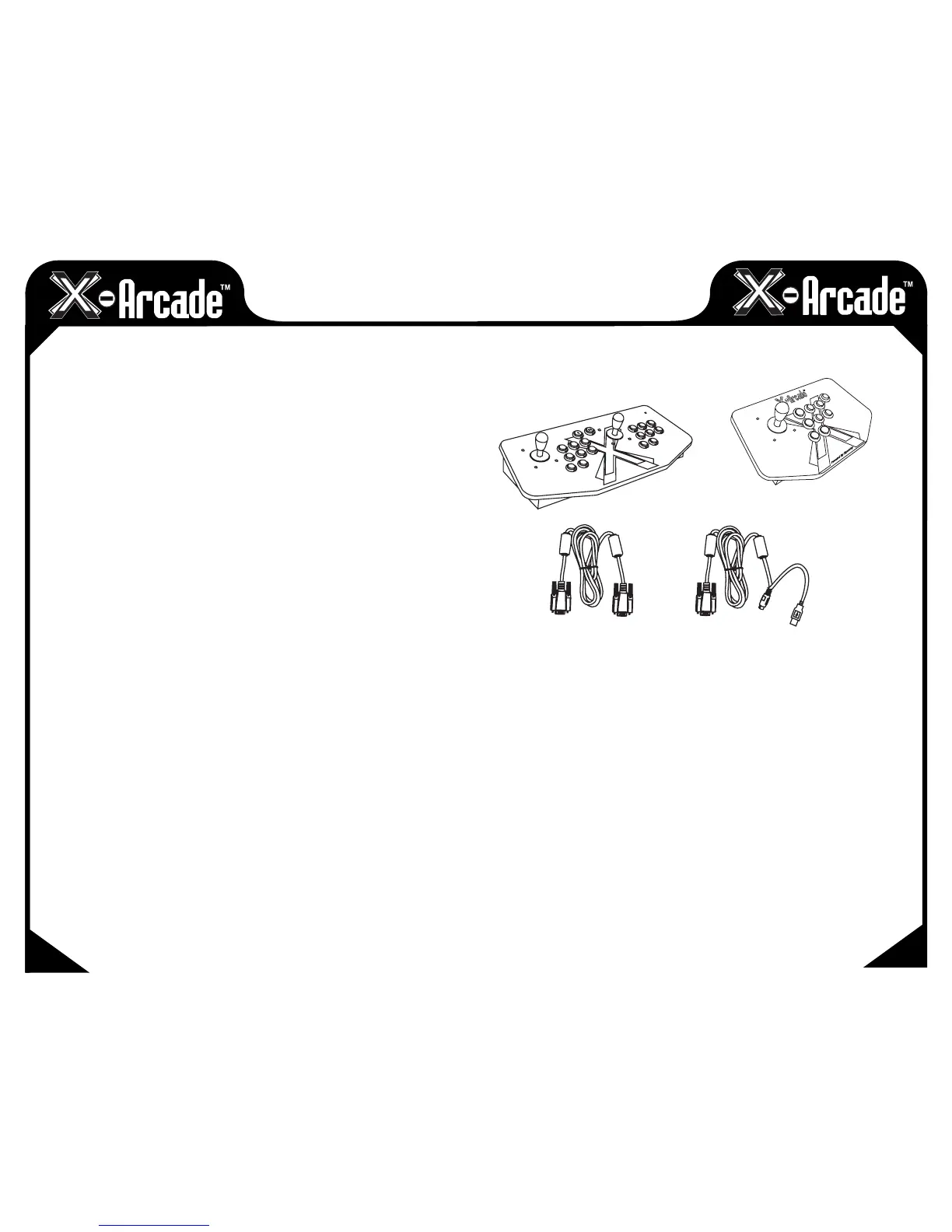
Included in this Kit:
X-ARCADE FEATURES
Arcade Quality Buttons
• DesignedandmanufacturedforusewiththeX-Arcade™unit,1,000,000cycletested.
• Leftandrightsidepinballbuttonstoreplicatearcadepinballmachineforapplicable games.
Authentic Arcade Quality Joysticks
• ArcadecontrollersdesignedandmoldedfortheX-Arcade™,workinglikestandard arcade parts from
a real arcade.
• 8-wayor4-waycapability.
Proprietary X-Adapter™ and X-Chip™ System
• Our patented X-Chip technology built into the X-Arcade™ provides support for external use with any
next-generation gaming console currently available, and allows us to continue to support upcoming
systems as well.
• X-Adapters™ provide built in support for two players, so the X-Arcade™ will work with dual player
usage on any gaming system.
X-ARCADE
TM
OR
02
03
X-ARCADE
TM
SOLO
CONSOLE CABLE
PC/MAC CABLE


 To Next Page
 Loading...