4
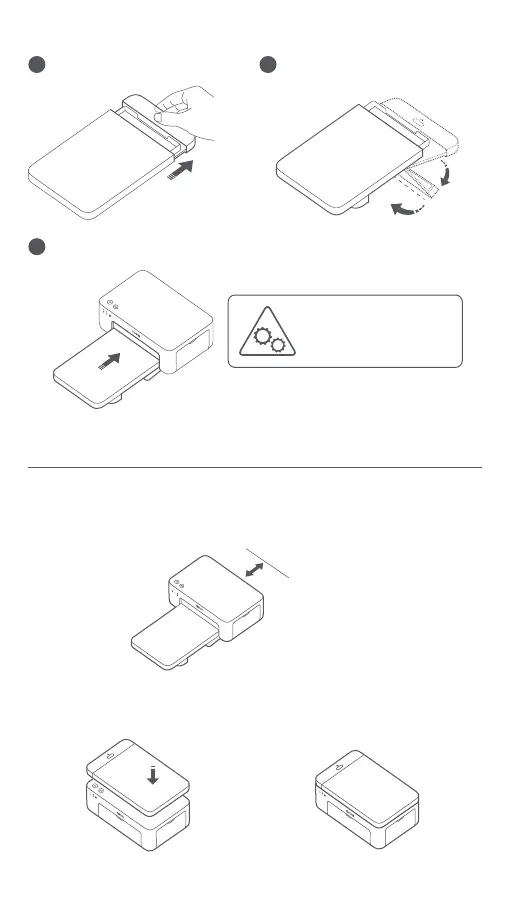
Installing the Paper Tray
1
Pull the paper tray holder open.
2
Rotate the holder vertically till it
snaps to the paper tray boom.
3
Open the paper tray opening, and insert the paper tray into the printer.
180°
How to Use
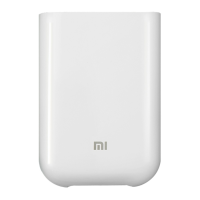
Placing the Printer
Storing the Printer
Above 10 cm
Since the paper will move back and forth during printing, make sure there
is more than 10 cm of space behind the printer.
Note: The paper will move back and forth several times.
It is recommended to store the paper tray on top of the printer for saving
space when the printer is not in use.
The rollers of the paper feed port are
moving parts. Keep body parts
away from moving parts.










 To Next Page