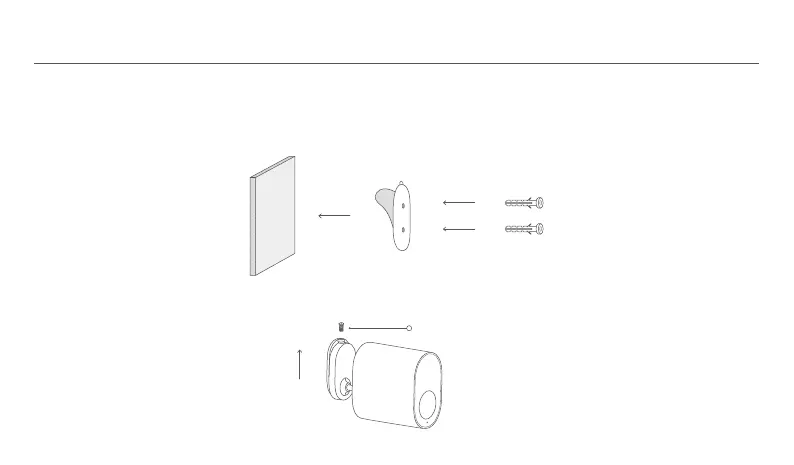
Outdoor Camera Installation
1. Paste the mounting template sticker on the wall.
2. Drill two holes in the wall according to the positions of the holes on the mounting template sticker, the holes should have a diameter
of about 5 mm and a depth of about 26 mm.
3. Install the wall plugs into the drilled holes.
4
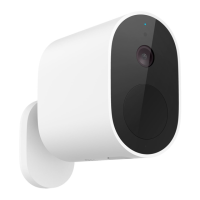
4. As shown in the figure, remove the anti-the screw from the base and push the camera up to remove it from the base mounting plate.
Anti-the Screw






 To Next Page