03
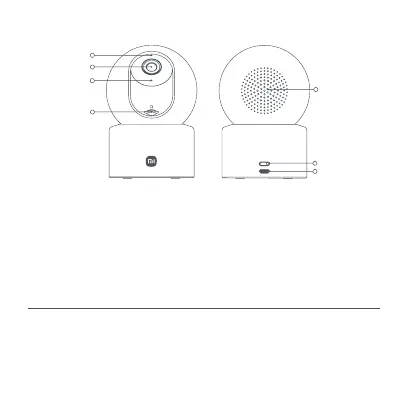
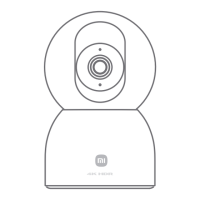
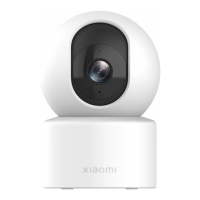
Indicator
Loudspeaker
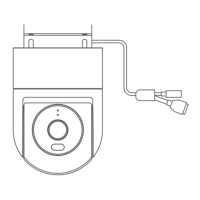
Front View Rear View
Reset Button
Power Port
Lens
Microphone
microSD
Card Slot
(visible when the
lens is facing
upward)
Notes:
The camera supports the physical lens blocking feature to enhance privacy
protection.
The product's nameplate information is on the bottom and side of the product.
Make sure that the camera is already disconnected from the power supply.
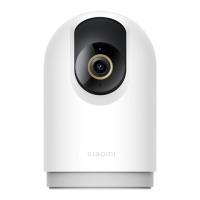
Adjust its lens upward until the microSD card slot is revealed, then insert the
microSD card into the slot (the side with contact points must be facing down).
How to Use
• Installing a microSD Card






 To Next Page