06
Notes:
The version of the app might have been updated, please follow the instructions
based on the current app version.
When connecting, make sure the network connection is stable, the camera is
turned on, and the indicator remains orange. Once connected, the indicator
will change to blue.
Note: Resetting the camera will not delete any data on the microSD card.
Press and hold the reset button for about 7 seconds if changing the network or
the Xiaomi account connected to the camera. A voice notification will be heard
once the reset is completed.
• Reset
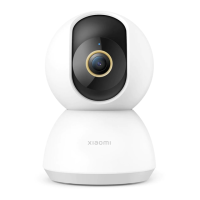
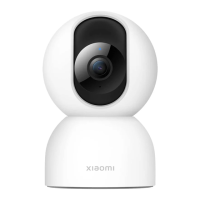
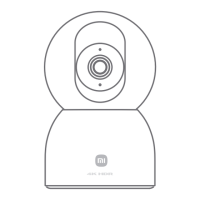
You can place the camera on a horizontal surface, such as a desk, dining table,
or coffee table, or mount it on a wall.
Mounting the camera on a wall:
Installation
* The app is referred to as Xiaomi Home app in Europe (except for Russia).
The name of the app displayed on your device should be taken as the default.






 To Next Page