05
Note: When the camera is working, do not turn its lens nor force it to rotate.
If the positioning of the lens is inaccurate, please calibrate it in the Mi Home/
Xiaomi Home app.(Please use an adapter that supports 5V
⎓
1A to connect to
the power supply.)
Keeping orange: Awaiting connection/Reset successfully
Blinking orange: Connecting to a network…
Blinking blue: Connecting to a server/OTA update in progress…
Keeping blue: Connected successfully/Working normally
Indicator Status
This product works with the Mi Home/Xiaomi Home app*.
Use the Mi Home/Xiaomi Home app to control your device, and to interact with
other smart home devices.
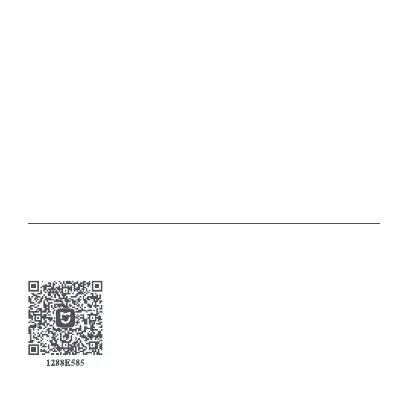
Scan the QR code to download and install the app. You
will be directed to the connection setup page if the app is
installed already. Or search for "Mi Home/Xiaomi Home" in
the app store to download and install it.
Open the Mi Home/Xiaomi Home app, tap "+" on the upper
right, and then follow the instructions to add your device.
Connecting with the Mi Home/Xiaomi Home App






 To Next Page